GALAXY GX2
28
Setting Up the GALAXY GX2
MSA
US
Test Mode
Bump Only, Calibration Only, or Bump/Cal on Fail. The mode is selected in the Test Setup section
[ chapter 4.5] of this manual.
Gas Detector Datalog Download
On or Off. This setting is described in the GALAXY GX2 Setup, Datalog section [ chapter 4.5]
of this manual.
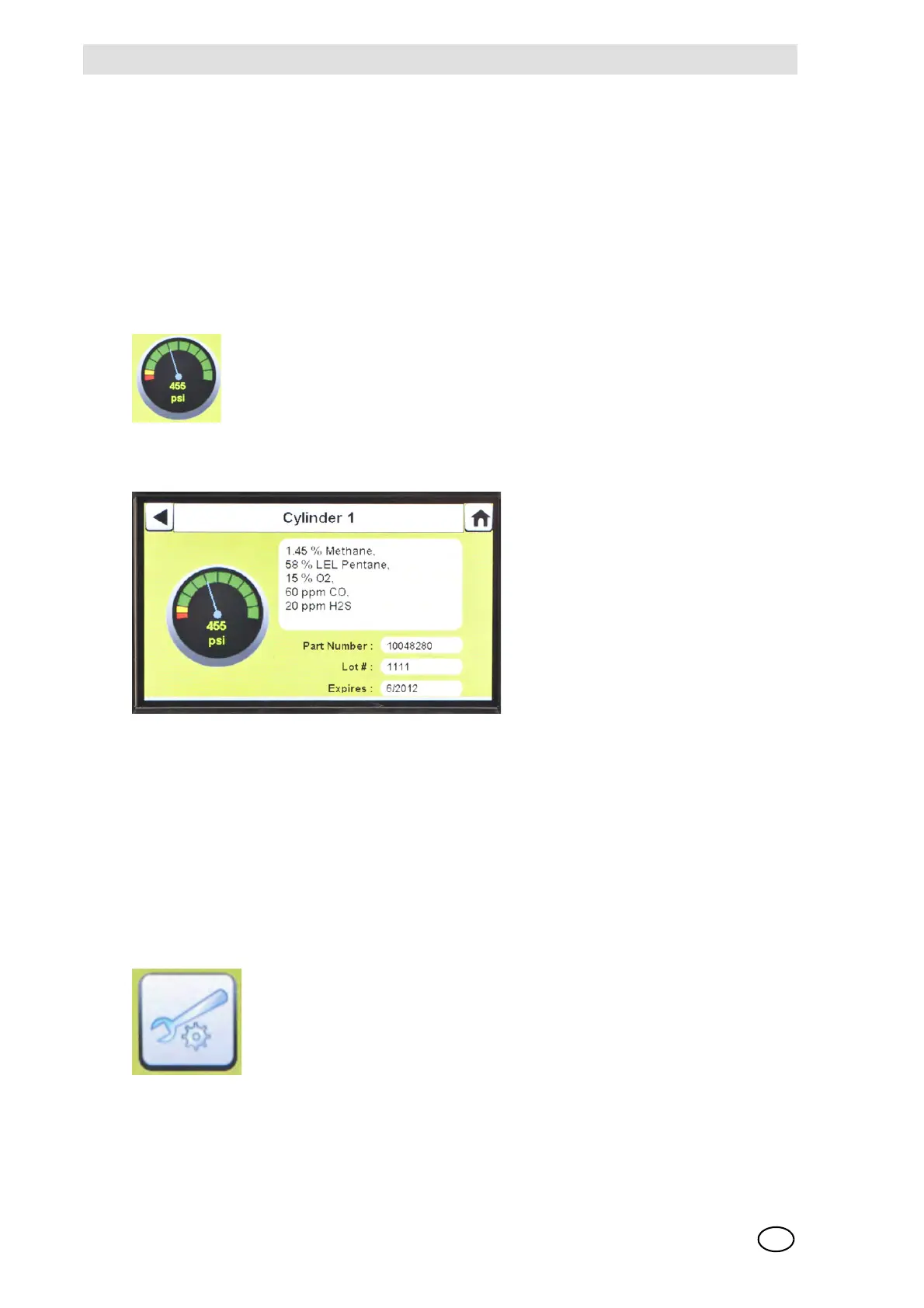
Pressure Gauges
Display test gas cylinder pressure from the electronic Cylinder Holder only. Selecting a
pressure gauge displays gas cylinder details.
Charging Status
If gas detector charging is installed the battery symbol will display in the lower left corner of the
screen. When the gas detector is charging, the battery symbol will cycle. When the instrument is
either fully charged or not present, the battery symbol will be solid green.
There can be as much as a 10 minute window between when the instrument battery indicator
shows charged and the Test Stand battery symbol shows solid green. The instrument indicator is
the most accurate and will indicate the true charge state of the battery.
GX2 Configuration
Provides access to GALAXY GX2 settings. (Password screen will display if configured.) Steps are
found under GALAXY GX2 Setup section [ chapter 4.2] of this manual.



 To Next Page