140 Transporting
[5]
When the message on the left appears, transfer the waste ink into a
container.
"Drain waste ink into a container" P. 110 Under "Emptying waste ink
tank"
The message on the left will appear.
[6]
• Use to choose the menu shown left.
•Tap [Enter].
The message on the left will appear.
[7]
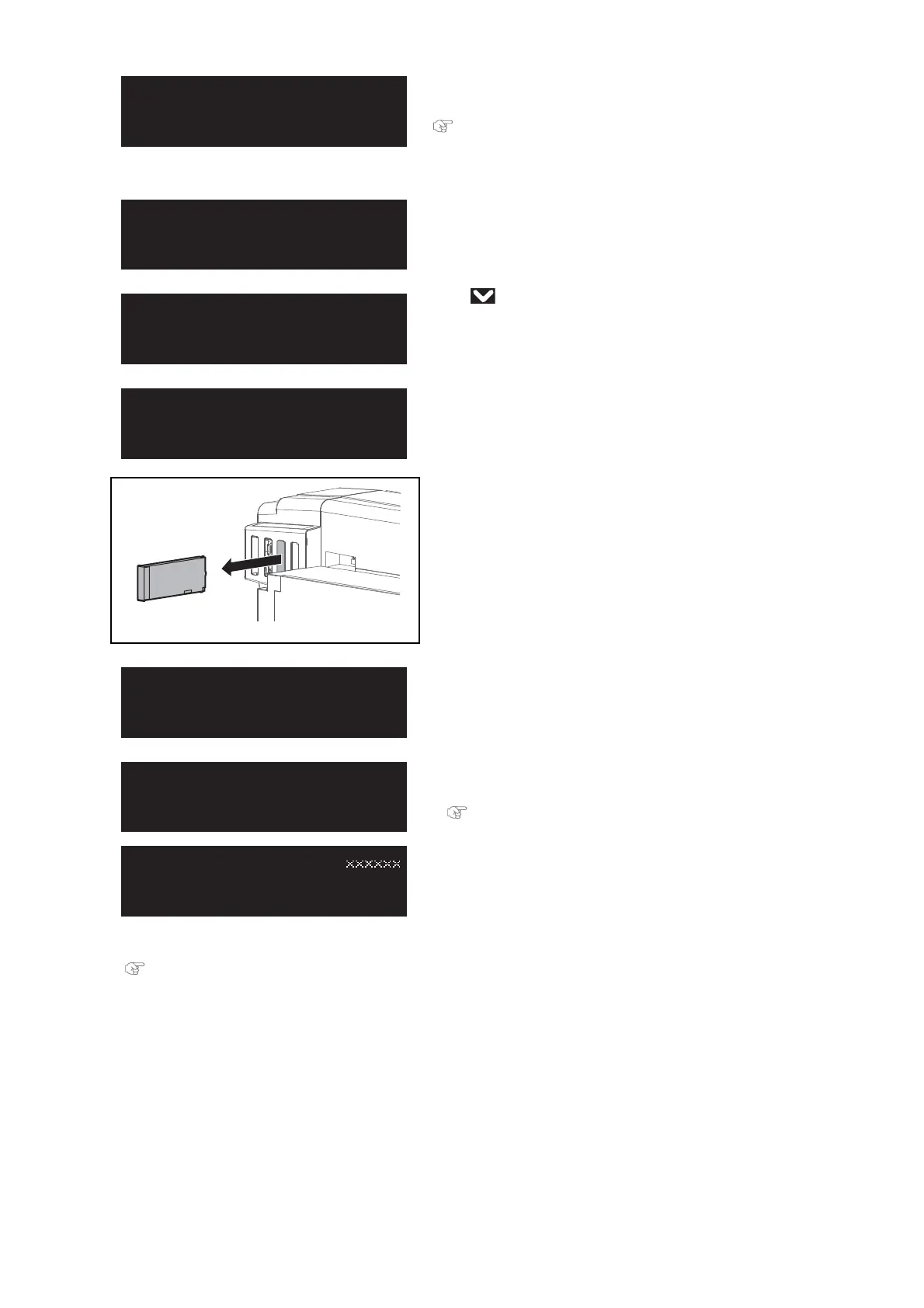
Remove the cartridges from all the cartridge slots.
The message on the left will appear.
• Discharging the ink will start.
[8]
• When the message on the left appears, transfer the waste ink into
a container.
"Drain waste ink into a container" P. 110 Under "Emptying waste
ink tank"
[9]
Reset the waste ink counter.
"Resetting waste ink counter" P. 113
EmptyWasteInkTank
thenTapEnter
NoCart.
[123456]NoCart.














 To Next Page