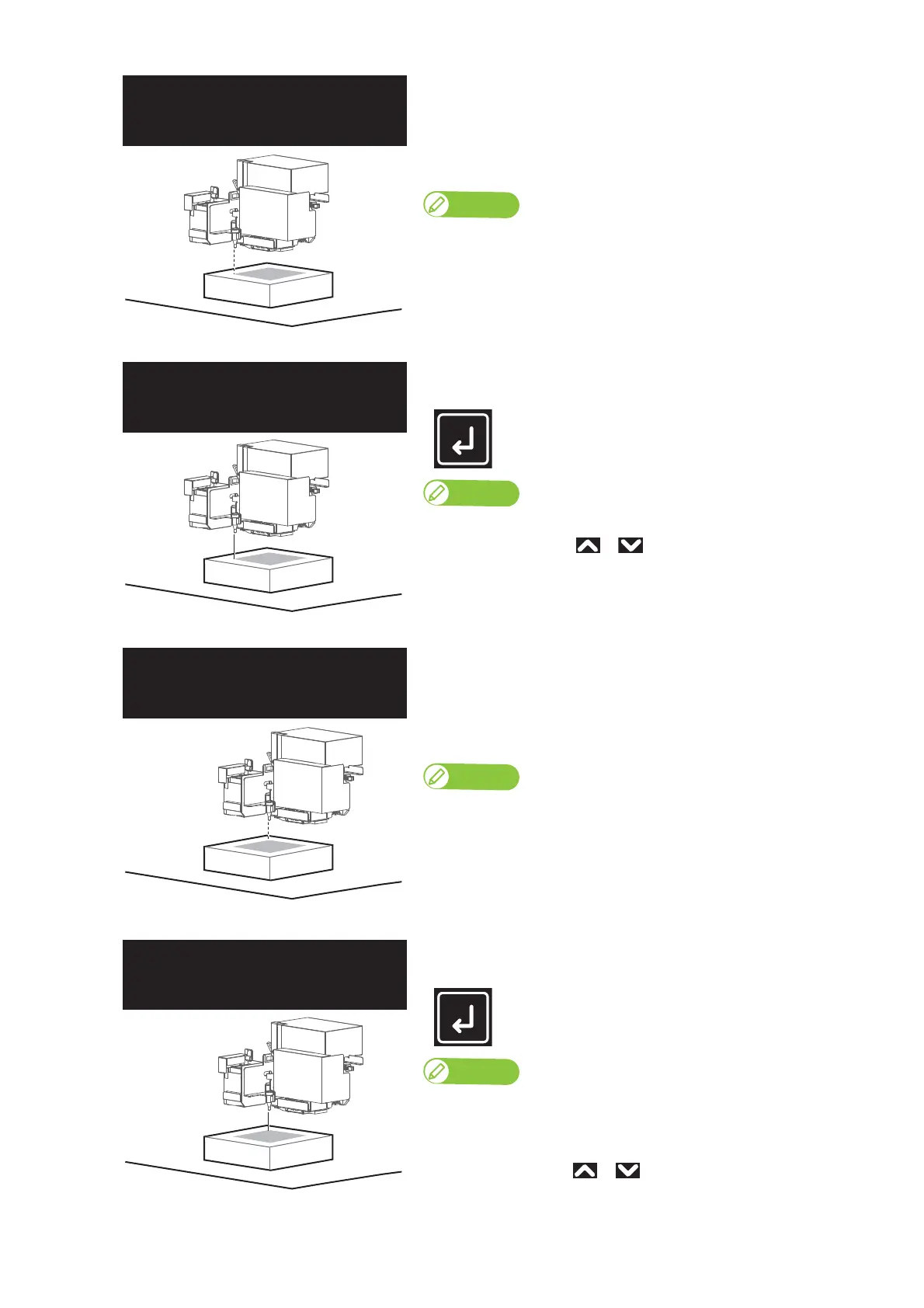
52 Checking the printing area
• The LED pointer moves to the bottom left corner of the print range
(position2).
• The LED pointer remains on while moving.
• After moving, the LED pointer flashes every second, for a total of 3
times.
Note
When the print data’s width (CR direction length) is too big for the media, the
LED pointer flashes twice a second, for a total of 6 times after moving.
[3]
Check that the LED pointer’s position is not misaligned with the media
position, and then tap [Enter].
Note
• The LED pointer remains on until [Enter] is tapped.
• To cancel the job, use or to choose "No", then tap [Enter].
• The LED pointer moves to the top left corner of the print range
(position3).
• The LED pointer remains on while moving.
• After moving, the LED pointer flashes every second, for a total of 3
times.
Note
When the print data’s width (CR direction length) is too big for the media, the
LED pointer flashes twice a second, for a total of 6 times after moving.
[4]
Check that the LED pointer’s position is not misaligned with the media
position, and then tap [Enter].
Note
• The LED pointer remains on until [Enter] is tapped.
• When the print data’s length (PF length) is too big for the media, the LED
pointer flashes twice a second, for a total of 6 times after moving.
• To cancel the job, use or to choose "No", then tap [Enter].














 To Next Page