106 Menu9: Roll Length Manage
Print the remaining length management information with text and code on the roll media.
Note
• The printer is unable to print this information if "Roll Length" is set to "Off".
"Setup 17: Roll Length" P. 84
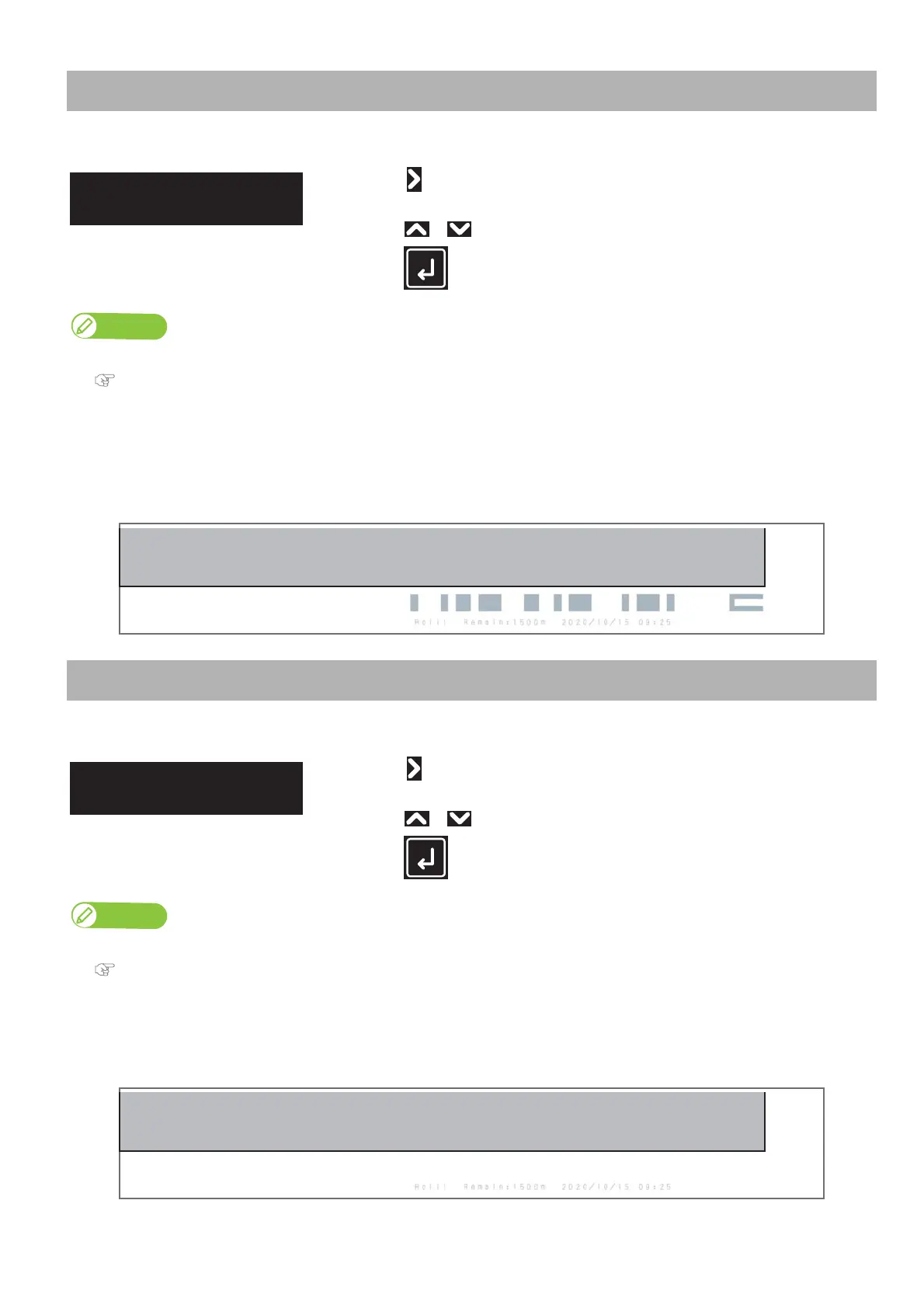
• This menu will print the following information:
• Type of roll media
• Remaining roll length
•Date printed
• Remaining length management code
Print the remaining length management information with text only on the roll media.
• The printer is unable to print this information if "Roll Length" is set to "Off".
"Setup 17: Roll Length" P. 84
• This menu will print the following information:
• Type of roll media
• Remaining roll length
•Date printed
Roll Length Manage1: Print
• Tap .
• “Do you want to cut?” is displayed.
Use or to choose "Yes" or "No".
•Tap (Enter).
Roll Length Manage2: Simple Print
• Tap .
• “Do you want to cut?” is displayed.
Use or to choose "Yes" or "No".
•Tap (Enter).
Roll Length Manage2
Simple Print



 To Next Page