12 Introduction
Connecting to a Computer
Important!
Make sure your computer meets the following requirements.
• OS: Windows 11, Windows 10, Windows 8.1
• CPU: Intel (R) Core (TM) i5 / i7
• Memory: 8GB minimum
•Network:
Use a network port that supports Gigabit Ethernet, and an Ethernet cable that supports Category 6 Gigabit Ethernet or later.
[1]
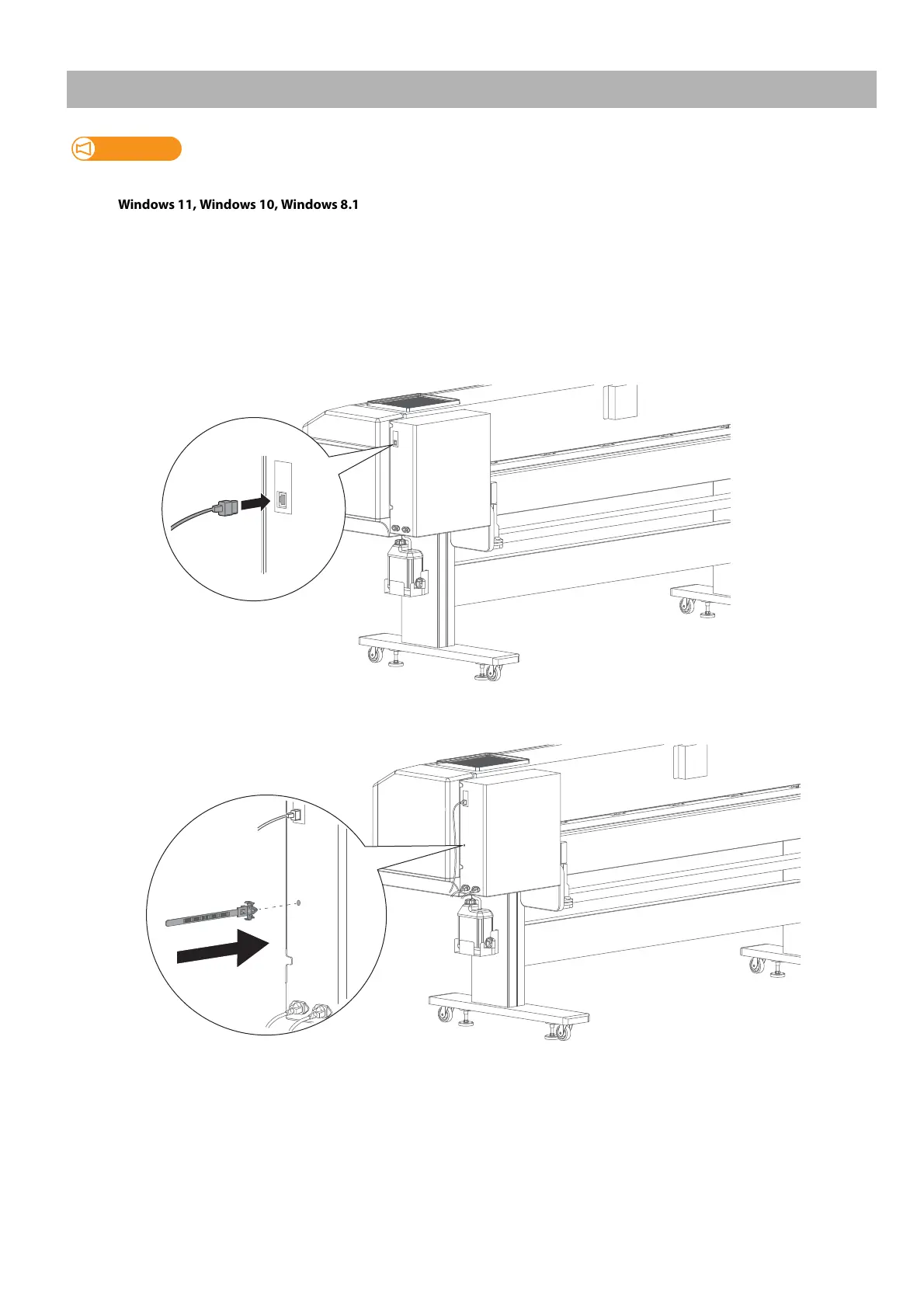
Connect the Gigabit Ethernet cable to the printer.
[2]
Insert the tip of the cable tie into the hole on the printer to attach it.



 To Next Page