Checking ink and replacing ink bag 117
3 Chec king ink and repla cing ink b ag
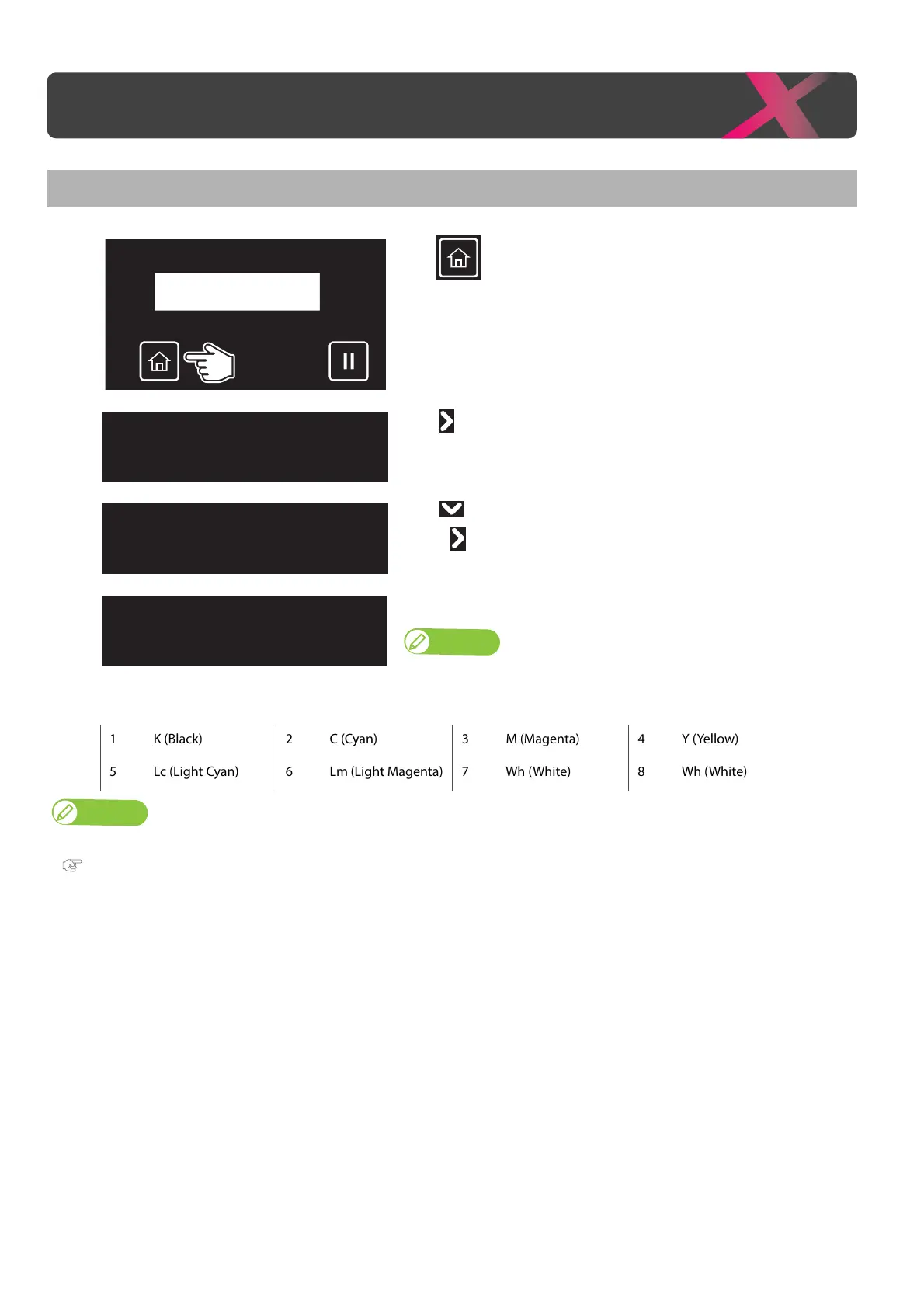
Checking ink level
[1]
Tap (Home).
[2]
Tap .
[3]
Tap until the menu on the left appears.
•Tap .
[4]
The ink level is displayed from 0% to 100%.
Note
• To identify the ink slots corresponding to the numbers shown here, see "Main
components of your printer" P. 9
.
1 K (Black) 2 C (Cyan) 3 M (Magenta) 4 Y (Yellow)
5 Lc (Light Cyan) 6 Lm (Light Magenta) 7 Wh (White) 8 Wh (White)
Note
If it is blinking at 10%, smartchip recovery is being performed on the corresponding S/C card.
"Smartchip recovery" P. 162
Checking ink and replacing ink bag
1 2 3 4 : 100 / 90 / 90 / 80
5 6 7 8 : 100 / 90 / 90 / 80



 To Next Page