150 Moving or transporting the printer
If not using the printer for a long time, execute [Longstore].
Preparation:
• Cleaning bag: 8
Long-term storage
[1]
Empty the waste ink tank.
"Emptying waste ink tank" P. 121
[2]
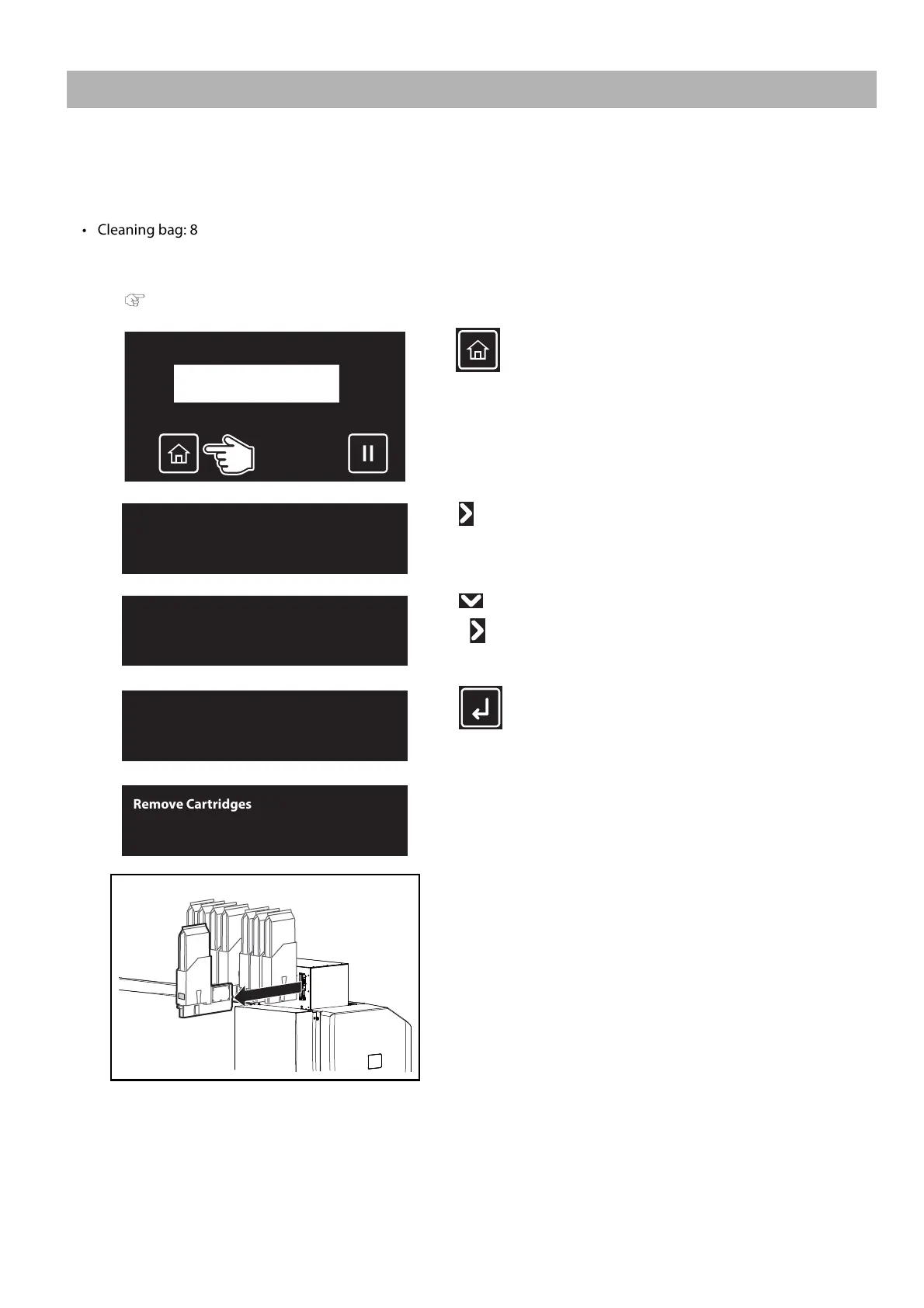
Tap (Home).
[3]
Tap .
[4]
Tap until the menu on the left appears.
•Tap .
[5]
Tap (Enter).
The message on the left will appear.
[6]
Remove all high-capacity ink pack adapters from the ink slots.
• Store the ink bag together with the corresponding S/C card.



 To Next Page