138 Replacing consumable parts
Replacing period:
• When the media is not cut smoothly
• When the cut surface is feathered, etc
Preparation:
• Cutter replacement blade
[8]
Close the front cover.
[9]
Tap (Enter).
[10]
Tap (Home) to end the cleaning process.
Replacing Cutter
• Do not push the knob of cutter or release suddenly.
Because there is a spring under the cutter, the cutter can jump out.
• Do not touch the cutter blade.
It may cause injury.
Steps
[1]
Put the printer into the CR maintenance mode.
"Putting the printer into the CR maintenance mode" P. 126
[2]
Open the front cover.
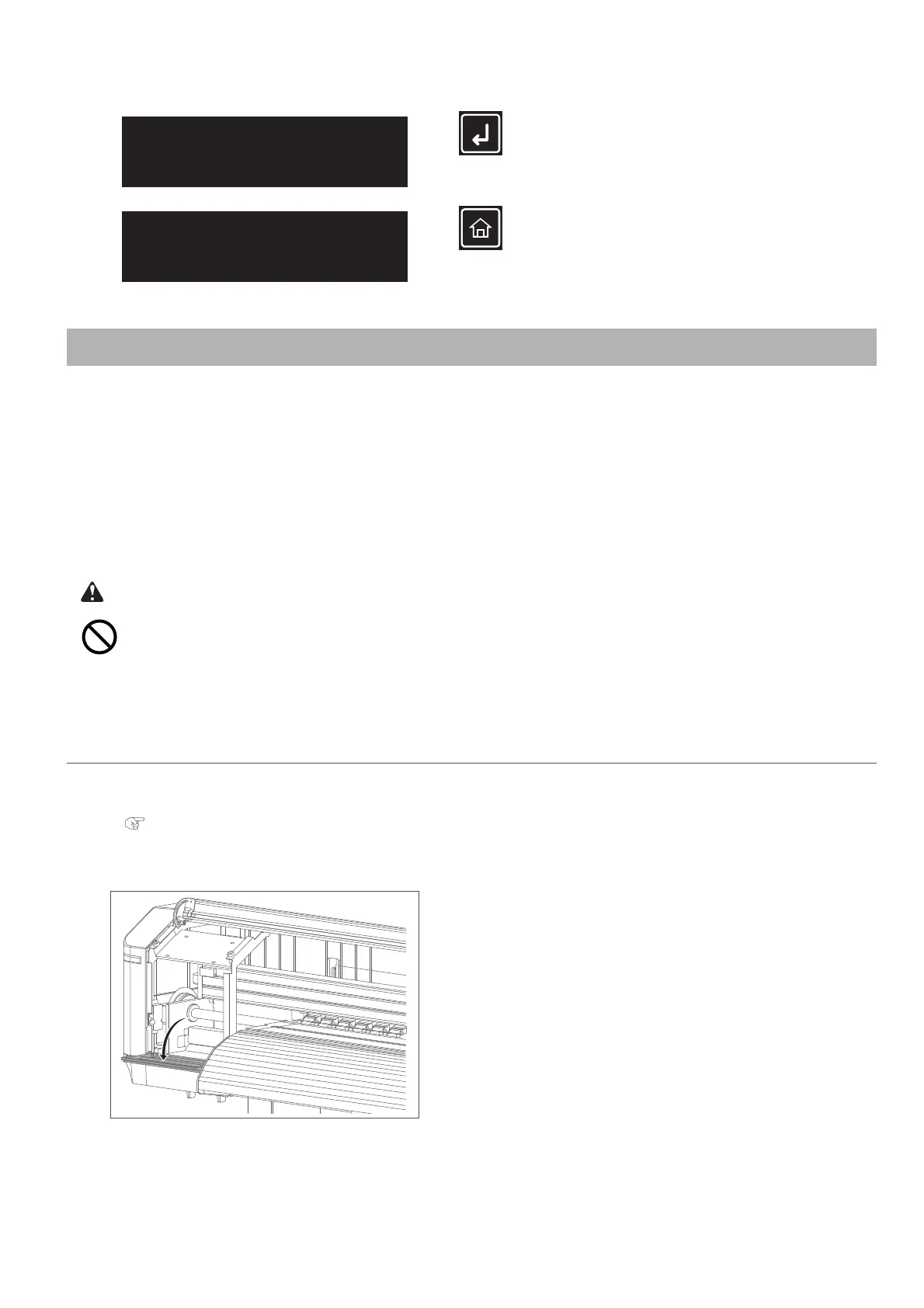
[3]
Open the maintenance cover on the left side.
CR Maintenance
End -> Enter
CR Maintenance
Start -> Enter



 To Next Page