38 Calibrating your printer
This adjustment must be performed when:
• you use this product for the first time.
• you use a new type of the media.
• you have changed the holddown pressure on the pressure rollers.
Other than above cases, move to
"Nozzle check and cleaning" P. 31.
Media feed adjustment
Note
If the following symptom appears on your print, this adjustment may help to solve the problem.
• Image overlapping.
• Horizontal white lines on the print.
Media feed adjustment steps
[1]
Load a roll media.
"Loading a roll media" P. 22
[2]
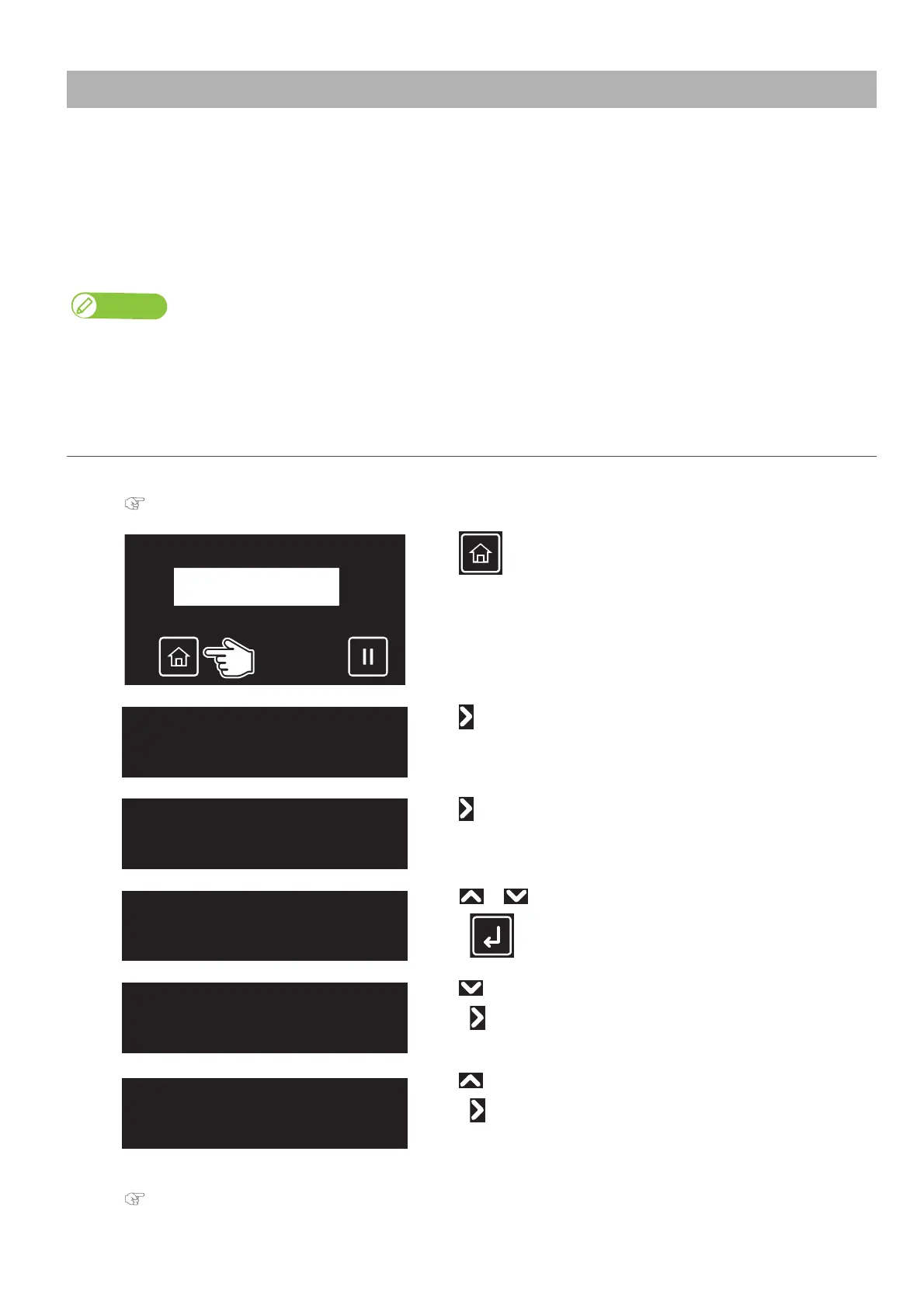
Tap (Home).
[3]
Tap .
[4]
Tap .
[5]
Use or to choose the user type you want to use.
•Tap (Enter).
[6]
Tap until the menu on the left appears.
•Tap .
[7]
Tap until the menu on the left appears.
•Tap .
[8]
Follow the steps below and adjust the print quality.
"Automatic PF adjustment method:" P. 68



 To Next Page