46 Operating from Front panel
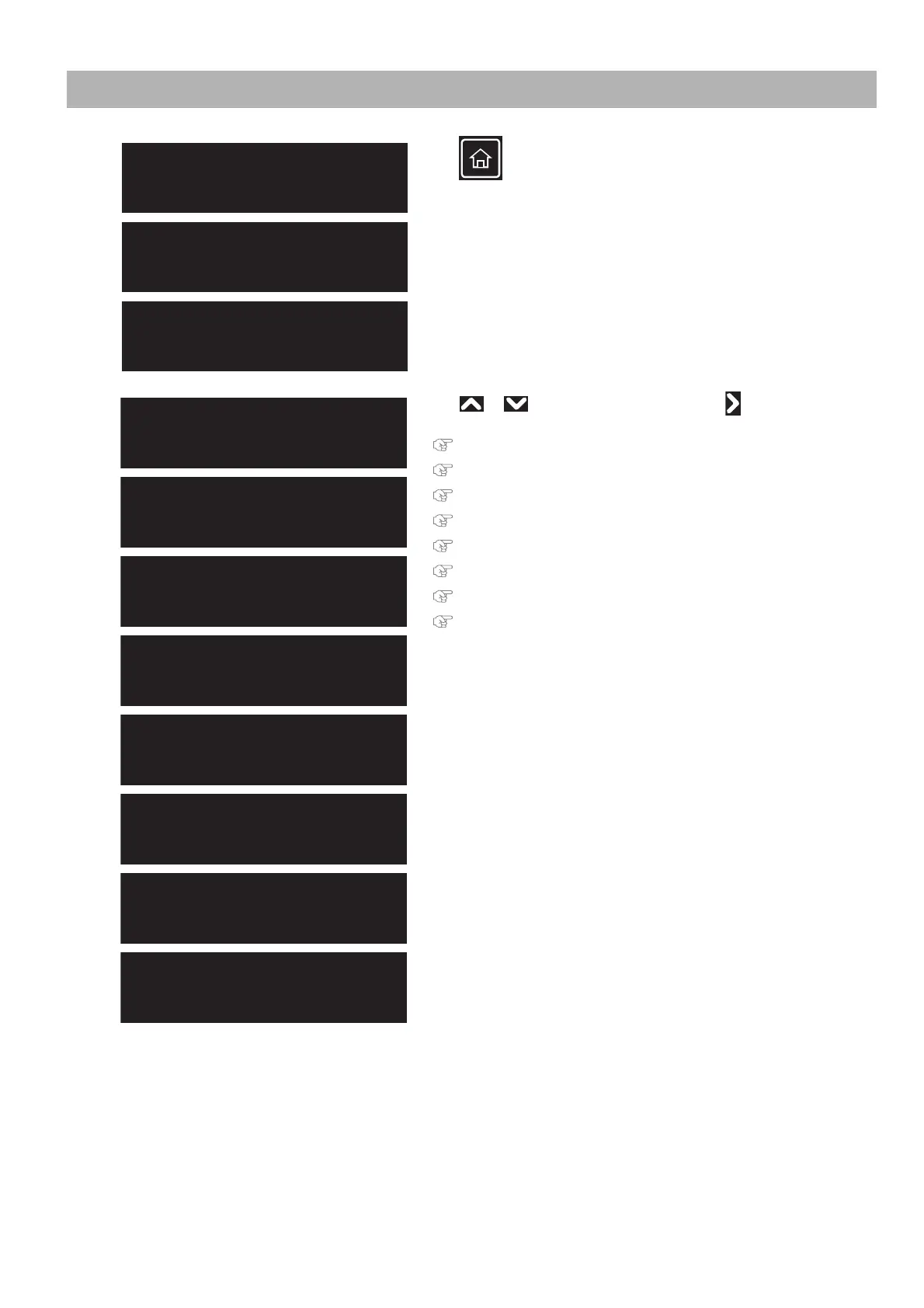
Menus you can access while printing
[1]
Tap (Home) while one of the three messages on the left
appears on the touch panel.
[2]
Use or to choose the menu, then tap .
"Menu 1: Temperature" P. 47
"Menu 2: Pre Heater" P. 47
"Menu 3: Platen Heater" P. 48
"Menu 4: Dryer" P. 48
"Menu 5: PF Micro Adjustment" P. 49
"Menu 6: Backup" P. 49
"Menu 7: Job Status" P. 50
"Menu 8: MPS" P. 50
Receiving
PG: Low W: 1625 mm
Converting
PG: Low W: 1625 mm
Printing
PG: Low W: 1625 mm
Menu 2
Pre Heater
Menu 3
Platen Heater
Menu 5
PF Micro Adjust
Menu 1
Temperature
Menu 6
Backup
Menu 7
Job Status
Menu 8
MPS
Menu 4
Dryer



 To Next Page