32 Nozzle check and cleaning
Cleaning
Cleaning steps
[1]
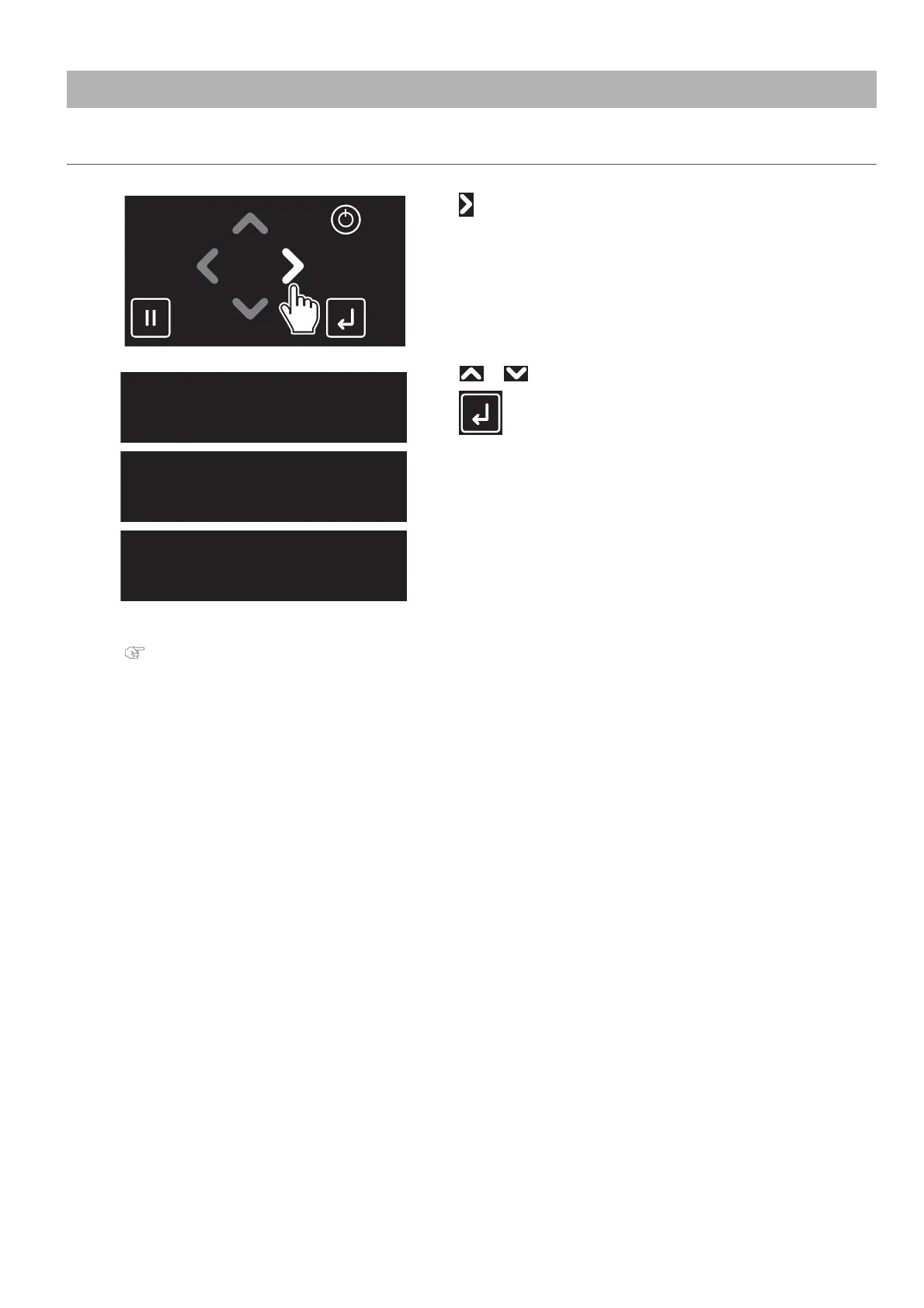
Tap .
[2]
Use or to choose the cleaning mode.
Tap (Enter).
• The printer will start cleaning.
[3]
Run a nozzle check again.
"Nozzle check" P. 31
• If the problem persists, repeat normal cleaning until all nozzles are clear.
See "Head cleaning" P. 123 for “Short” and “Long” cleaning.
Clean Print Head?
Short
Clean Print Head?
Normal
Clean Print Head?
Long



 To Next Page