140 Replacing consumable parts
The cleaning wiper is an essential part to make printing consistent. Please replace it periodically.
Replacing period:
• Approx. every six months
Preparation
• Plastic gloves, glasses, mask
• Absorption material for the flushing box
• Paper you can get dirty (paper which ink will not bleed through)
[10]
Tap (Enter).
[11]
Tap (Home) to end the cleaning process.
Replacing the cleaning wiper
Wear protective equipment (gloves, goggles or eye protection, protective mask, protective clothing) when
handling ink.
Be cautious that ink does not get into your eye or make a contact with your skin.
When ink gets into your eye or make a contact with your skin, wash with water immediately. If left as it is,
it may cause red eye or light inflammation. If it is necessary, please see your doctor immediately.
Steps
[1]
Put the printer into the CR maintenance mode.
"Putting the printer into the CR maintenance mode" P. 126
[2]
Open the front cover.
[3]
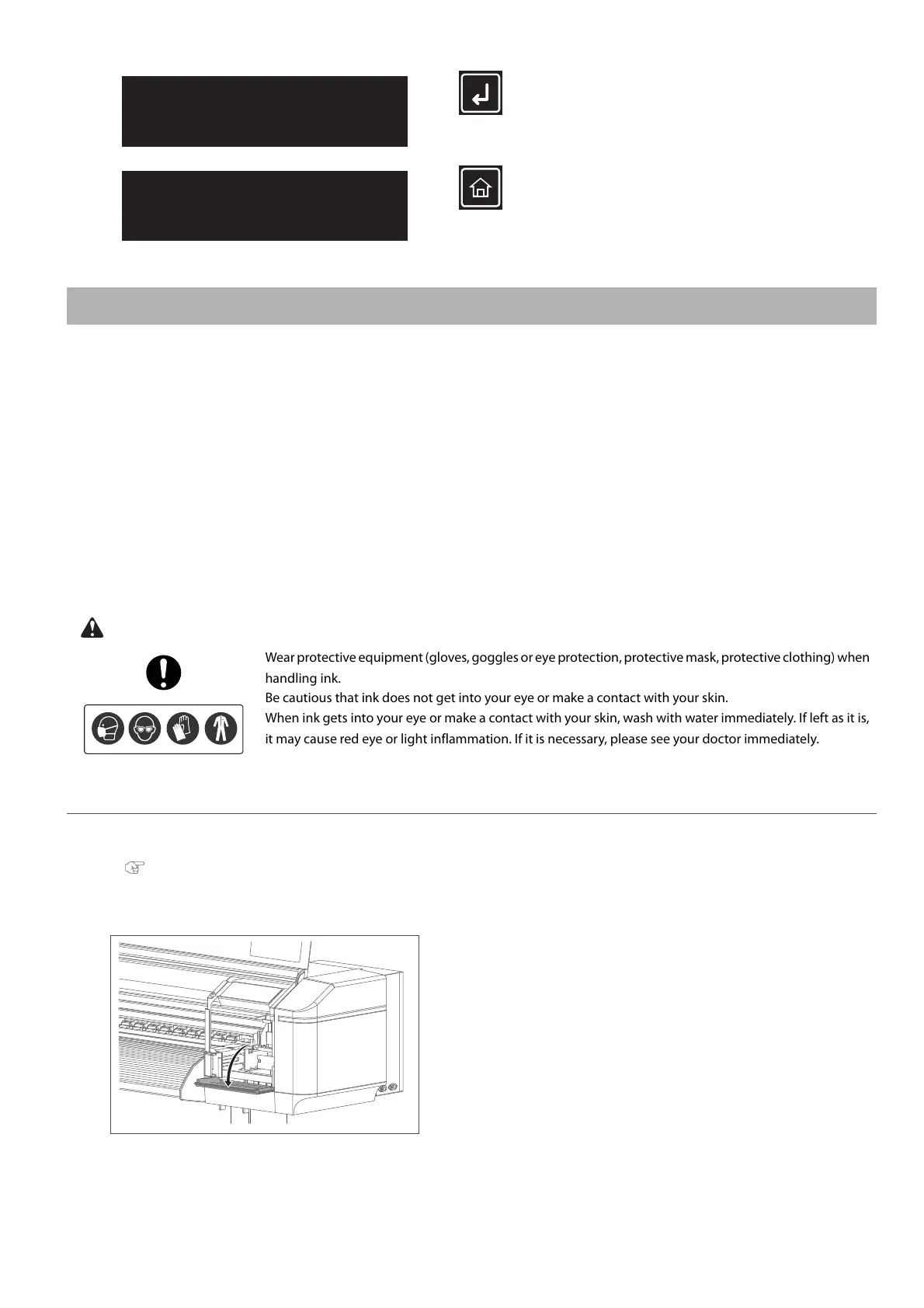
Open the maintenance cover on the right side.
CR Maintenance
End -> Enter
CR Maintenance
Start -> Enter



 To Next Page