154 Moving or transporting the printer
Performing initial charging after head cleaning
[1]
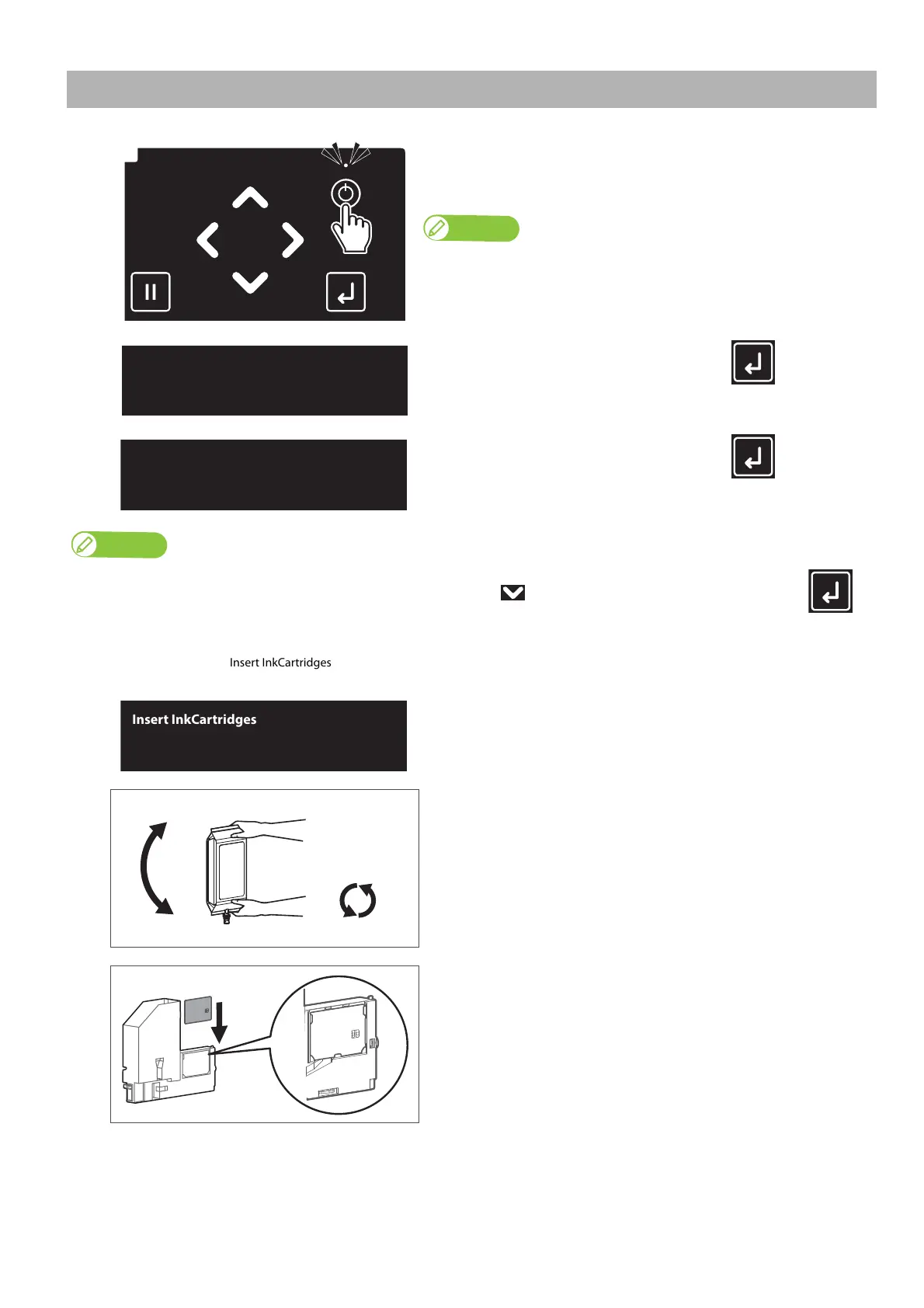
Long press the Power button.
• The Power LED (above the Power button) lights up.
• This product starts its initialization operations.
Once the Power LED lights up, release the Power button.
[2]
When the message to the left is displayed, tap (Enter).
[3]
When the message to the left is displayed, tap (Enter).
Note
If you need to perform a head cleaning and “Wash retry? No” is displayed, tap the key to change the display to “Wash retry? Yes” and tap
(Enter).
After that, follow the instructions displayed on the front panel.
When cleaning is complete, “Insert InkCartridges” is displayed. Proceed to step 4 in this section.
The message on the left will appear.
[4]
Prepare the new ink bag, and agitate it as instructed below.
• Turn the ink plug upward and wait for three seconds.
• Next, turn the ink plug downward and wait for three seconds.
• Repeat that 10 times.
[5]
Slide the S/C card into the tabs of the adapter.



 To Next Page