152 Moving or transporting the printer
[11]
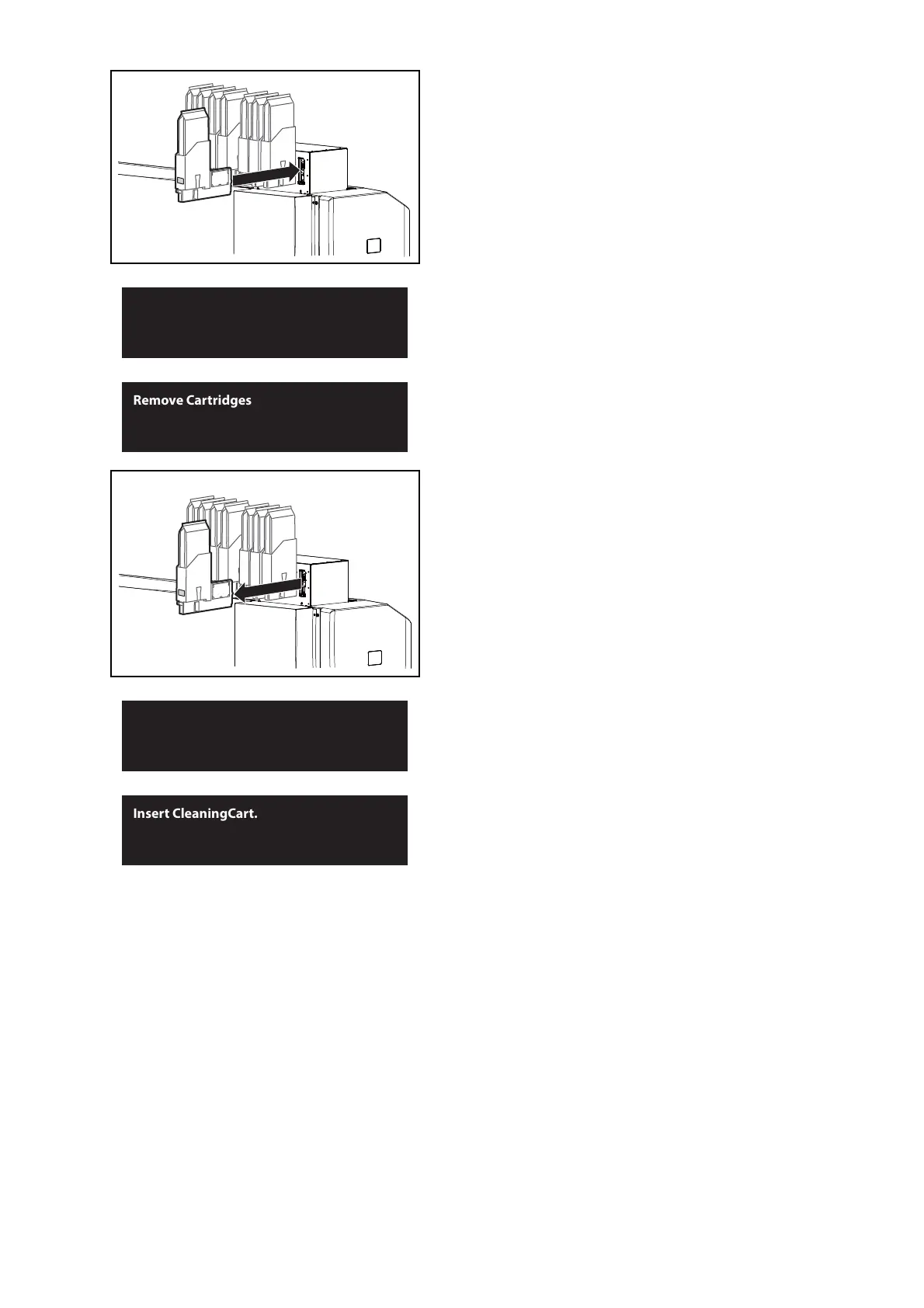
Re-insert the high-capacity ink pack adapters into Ink slots.
• Insert all the way to the end.
The message on the left will appear.
• Charging of the cleaner begins.
When charging of the cleaner is complete, the message to the left is
displayed.
[12]
Remove all high-capacity ink pack adapters from the ink slots.
The message on the left will appear.
• Cleaner discharging begins.
When the discharge is complete, the message to the left is displayed.



 To Next Page