16 Introduction
The remote panel allows you to view the printer status or remotely operate your printer.
Displaying remote panel
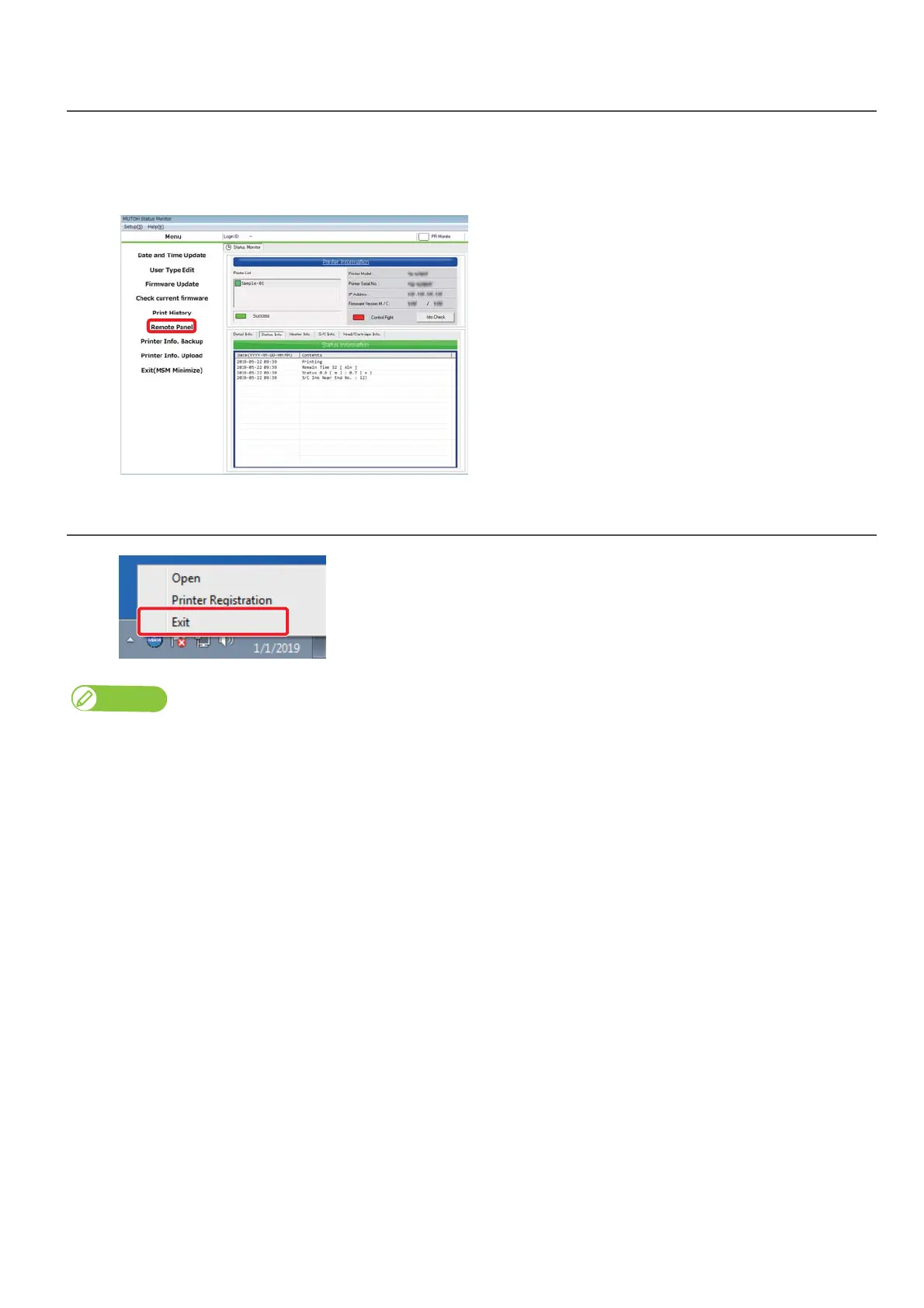
Click [Remote Panel].
• The remote panel opens.
Exiting MSM
Right click the MSM icon in the task tray, and click [Exit].
Note
While using your printer, do not exit MSM. To close the MSM window, click [Settings] - [Close].
Windows 8.1
Click the Down Arrow in the [Start] screen.
Click [MUTOH Status Monitor].



 To Next Page