Troubleshooting 173
[6]
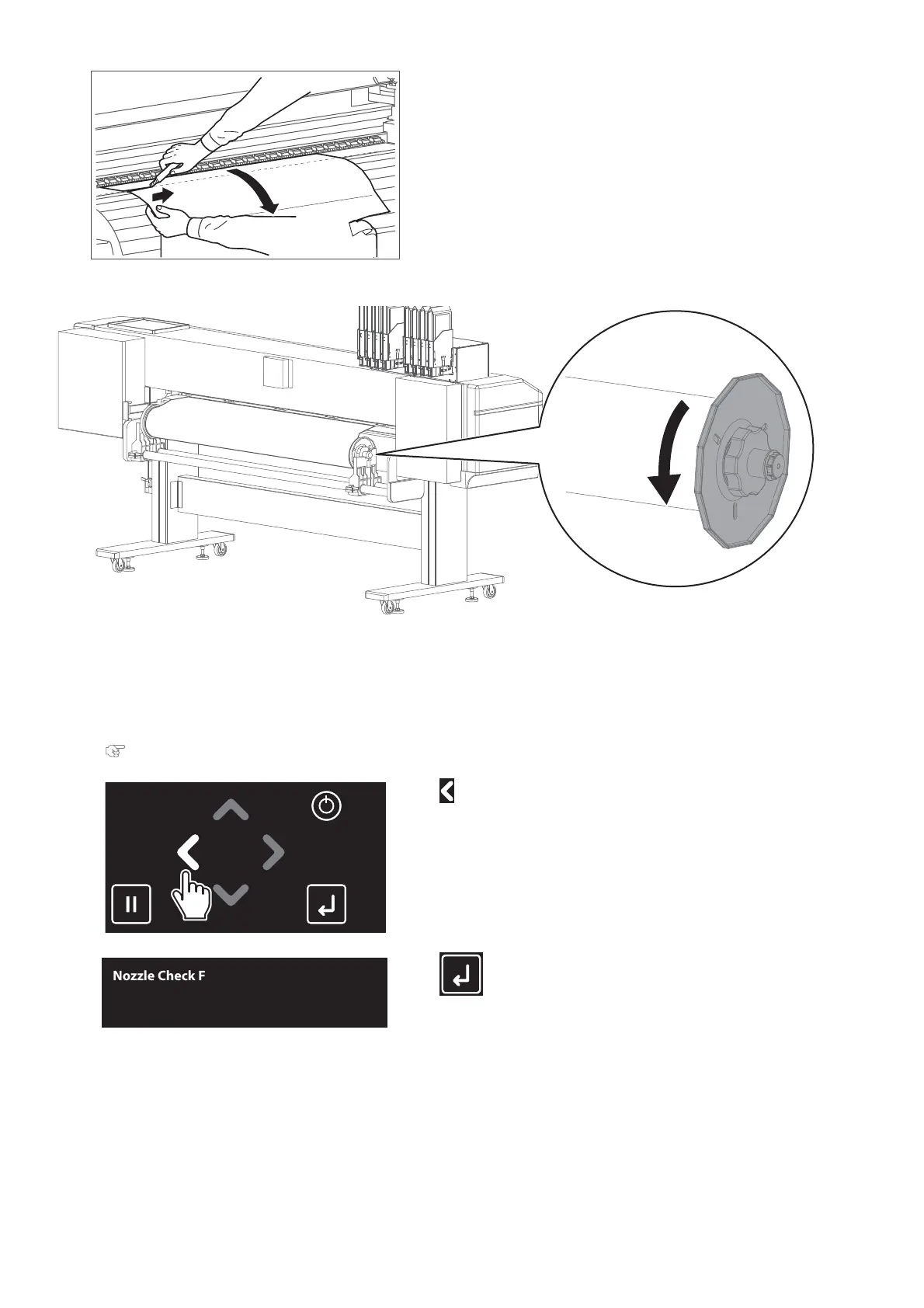
Pull the media towards you and use a cutter to cut the torn part of the media
along the groove.
[7]
Rewind the media a little by rolling Flange on the media holder.
[8]
If paper dust or pieces of paper remain inside the printer, remove them.
[9]
Turn the printer ON.
[10]
Load a roll media for Nozzle check.
"Loading a roll media" P. 22
[11]
Tap .
[12]
Tap (Enter).
•
The printer will print the nozzle check pattern.
[13]
Check the nozzle check print to see all nozzles are clear.
•
If you find missing or thin lines on the print, go to "Cleaning steps" P. 32.
•
If all lines are clearly printed, you can start printing.
Nozzle Check F
Start -> Enter



 To Next Page