30 Loading a roll media
[5]
Tap .
[6]
Use to choose the menu shown left.
• Tap .
[7]
Enter the side margin. At least 10 mm margin is required.
• Use or to enter the value.
•Tap
(Enter) to confirm the setting.
Note
The side margin can be set between 5 mm and 25 mm.
[8]
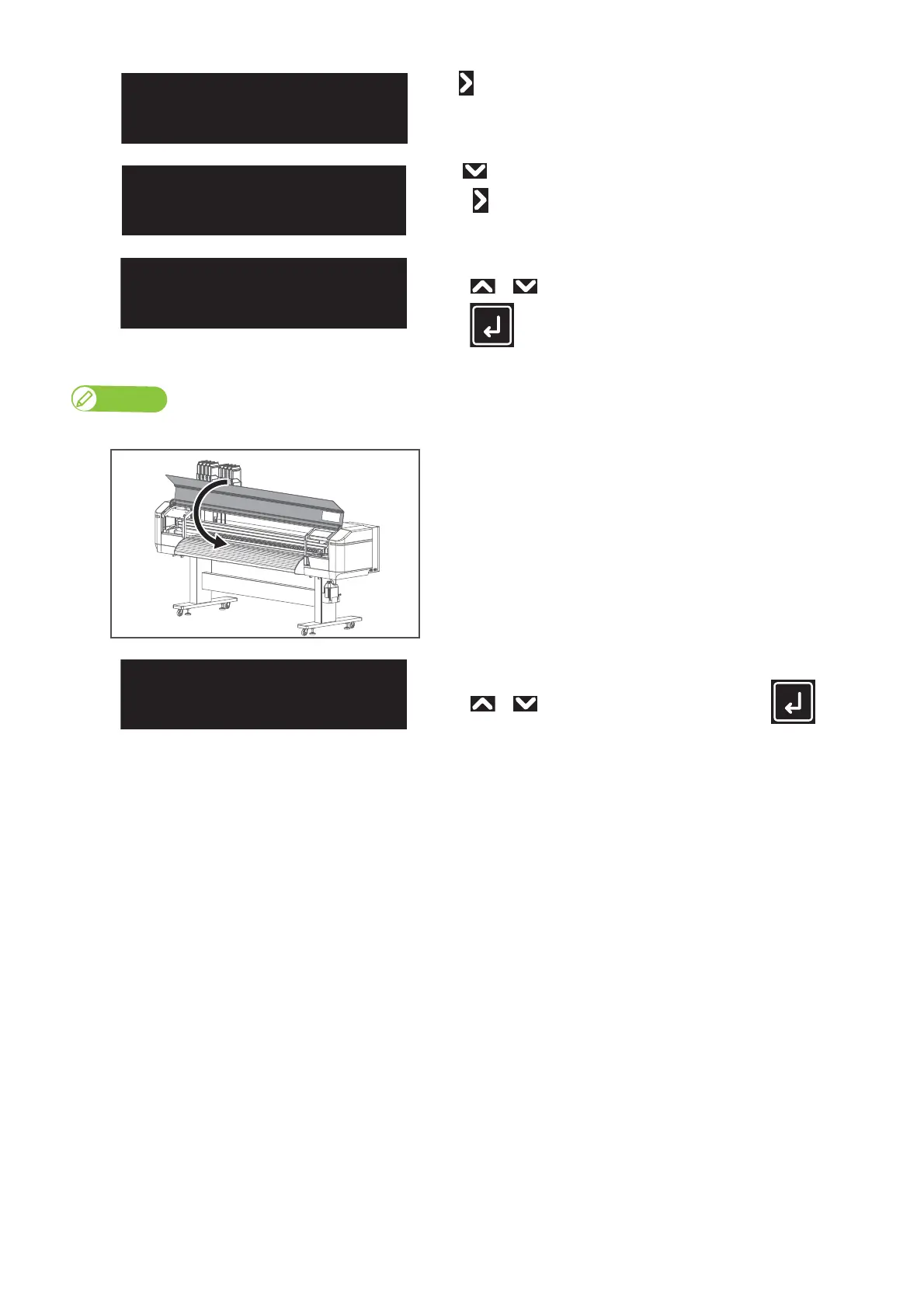
Close the front cover.
[9]
“User: Type** OK?” appears on the touch panel.
• Use or to choose the correct user type and tap (Enter) to
start media initialization.
End the media loading.
SideMargin:
(5-25) 10mm



 To Next Page