99
EN
hyperion - TECHNICAL MANUAL
2.4.2 Daily Check
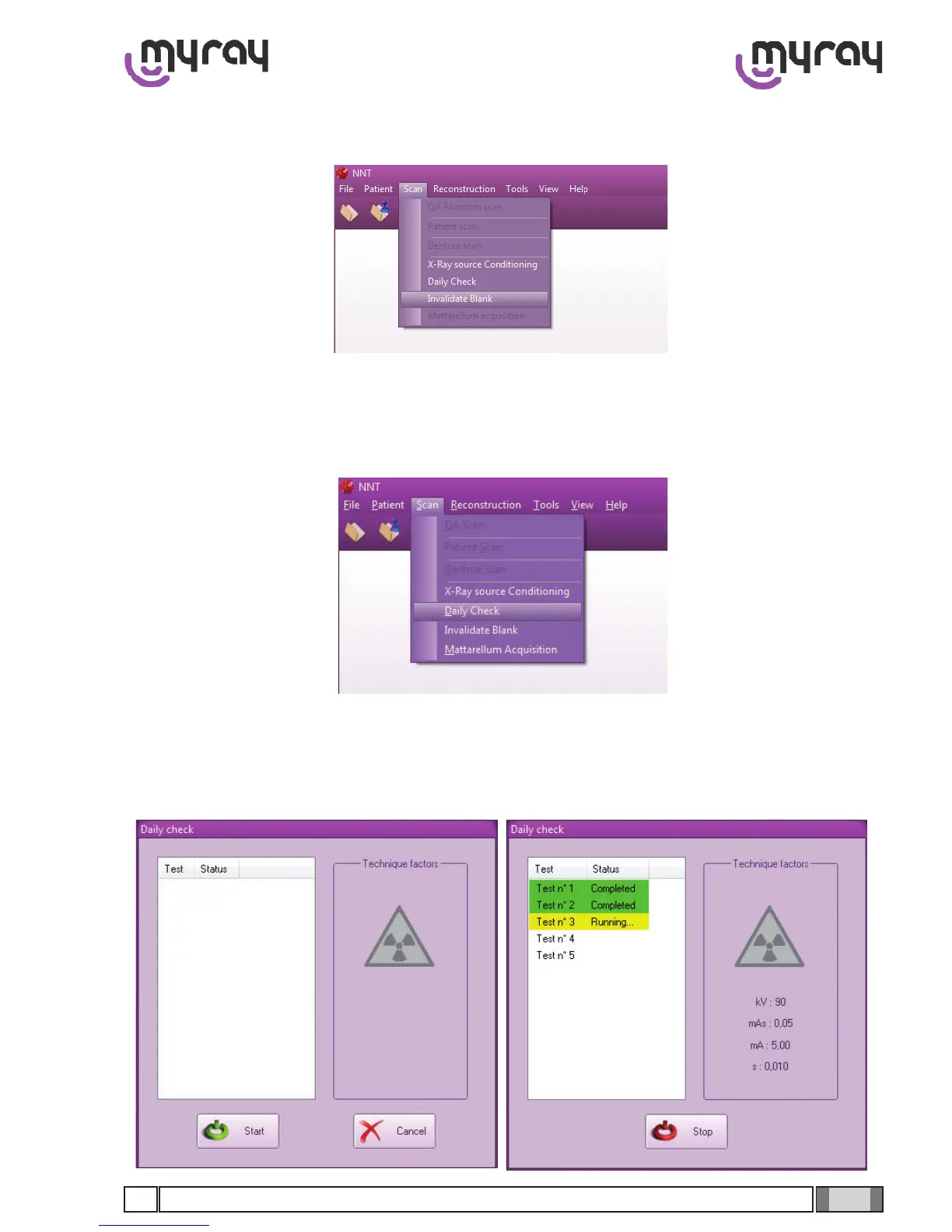
Select “Scan->Invalidate Blank”:
Now select “Daily Check” from the same menu:
In the daily check and blank acquisition procedures there must not be anything between the X-ray source and
the 3D panel. The machine must only have the covers tted. The cephalostat (head-holder) should be removed.
On the following window select “Start” and press X-Ray button every time the software prompts for it.



 To Next Page