36
EN
hyperion - TECHNICAL MANUAL
2.2.4 Disabling windows rewall
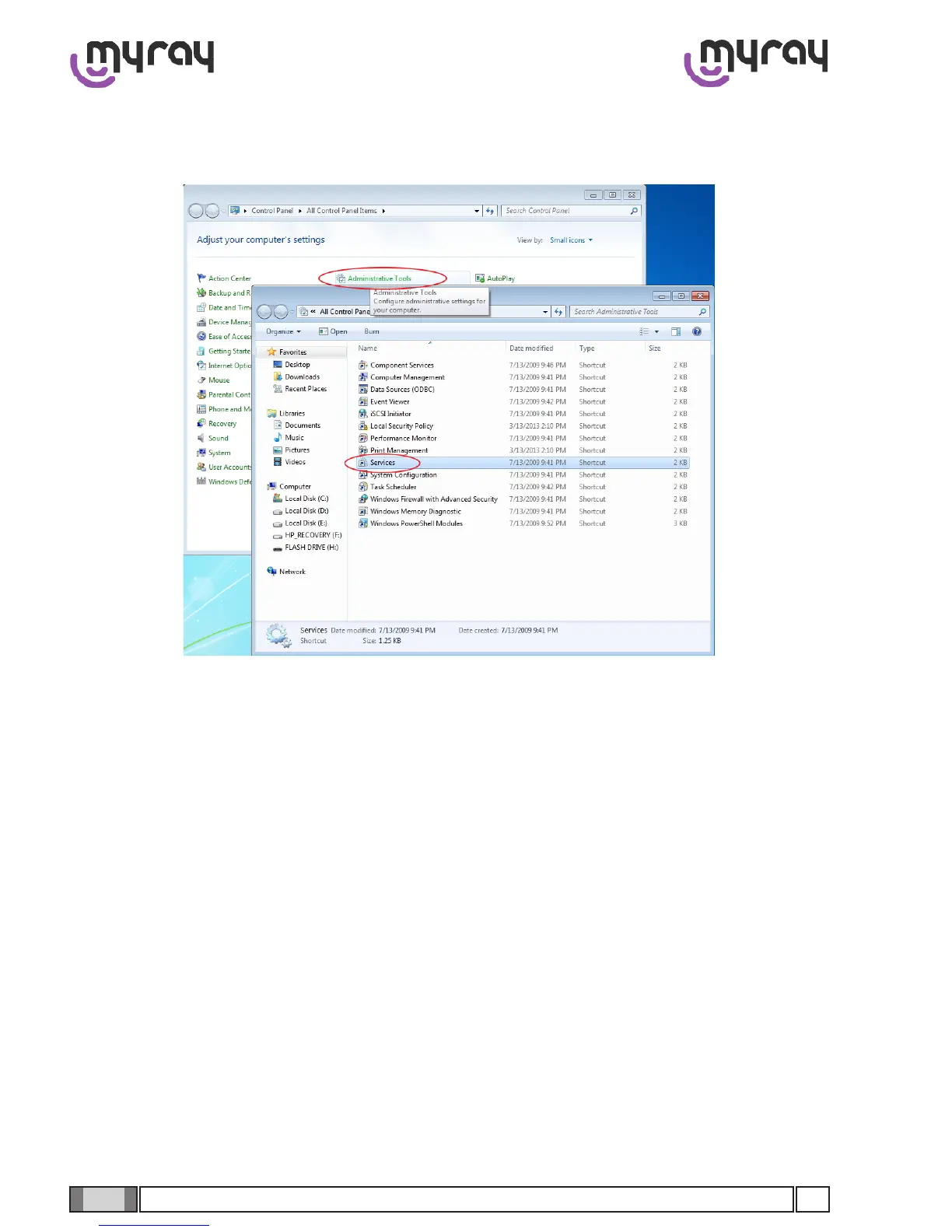
From the Control Panel select “Administrative Tools” and double click on “Services”:
Scrolldowntheservicelist,rightclickonthe“Windowsrewall”serviceanddoubleclick.
Go to the “Startup type” drop-down menu and select “Disabled”. Then press the “Stop” key to stop the service currently
being executed.



 To Next Page