21
EN
hyperion - TECHNICAL MANUAL
2. Ethernet lead dedicated to the CBCT panel. Use the supplied lead or, alternatively, an RJ45 ethernet lead Cat.6 or
higher. Maximum allowed length 25 m.
Warning: the connection must be point-to-point. The use of any active device (router/gateway/switch) will
prevent communication between the CBCT panel and the PC.
3. Ethernet lead for LAN communication with PC. Use the supplied lead or, alternatively, an RJ45 ethernet lead Cat.6
or higher. Both a point-to-point connection with cross-type lead or connection via a router/gateway is possible.
0.9 Installing the cephalometry arm
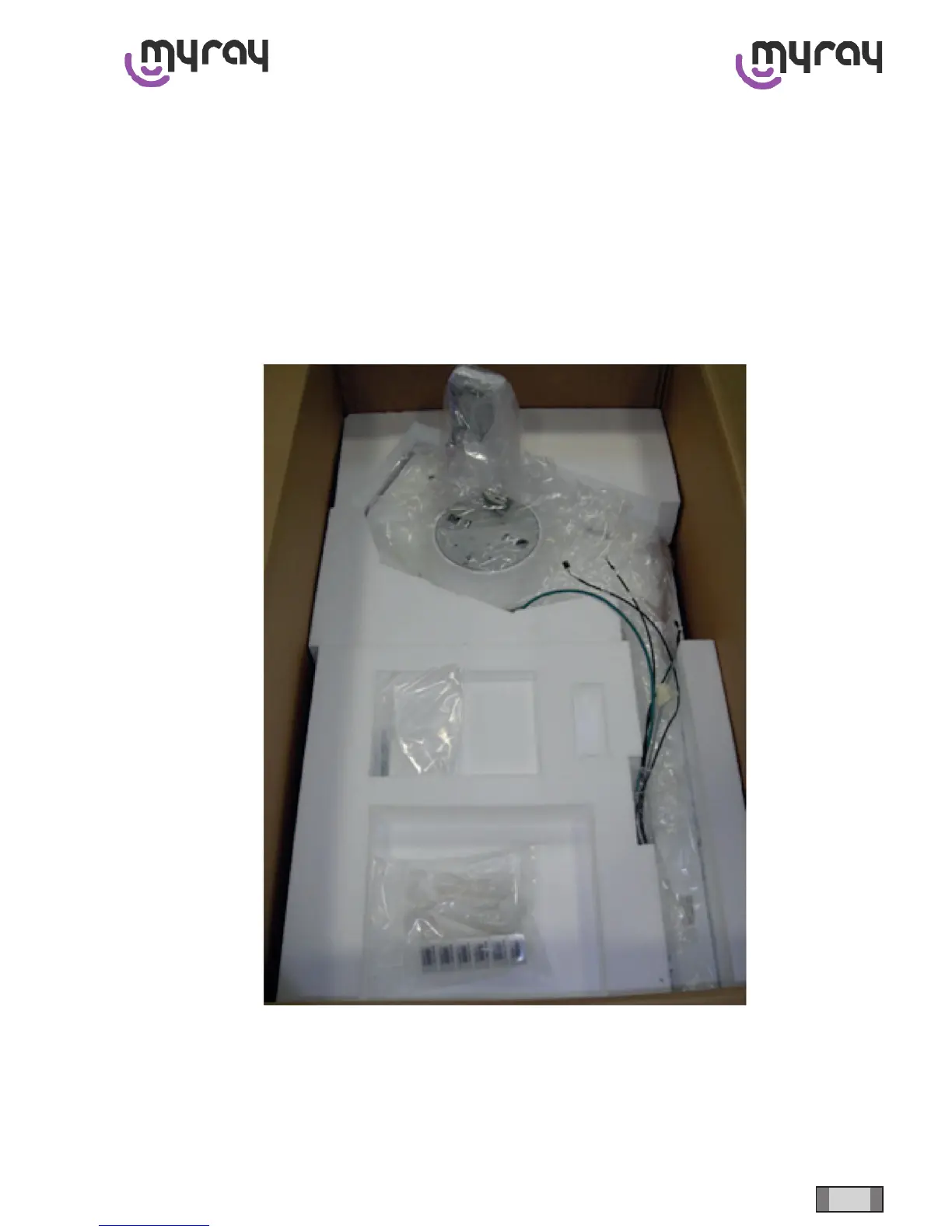
Thecephalometryarmispackagedasillustratedinthegurebelow.Removethearmfromthepackaging.
Removetheprotectivecoverfromtherearofthecolumntorevealthearmxingholes.
Remove the part of the cover that covers the slit through which to pass the leads/wires (depending on whether the ceph
arm is installed on the right or left side of the machine). Install the two support plugs in the holes illustrated in the image
below; these plugs help support the weight of the arm while it is being positioned during installation.



 To Next Page