Copyright © Neoway Technology Co., Ltd
Shutdown Process
The module can be powered off in two ways: hardware power off and software power off.
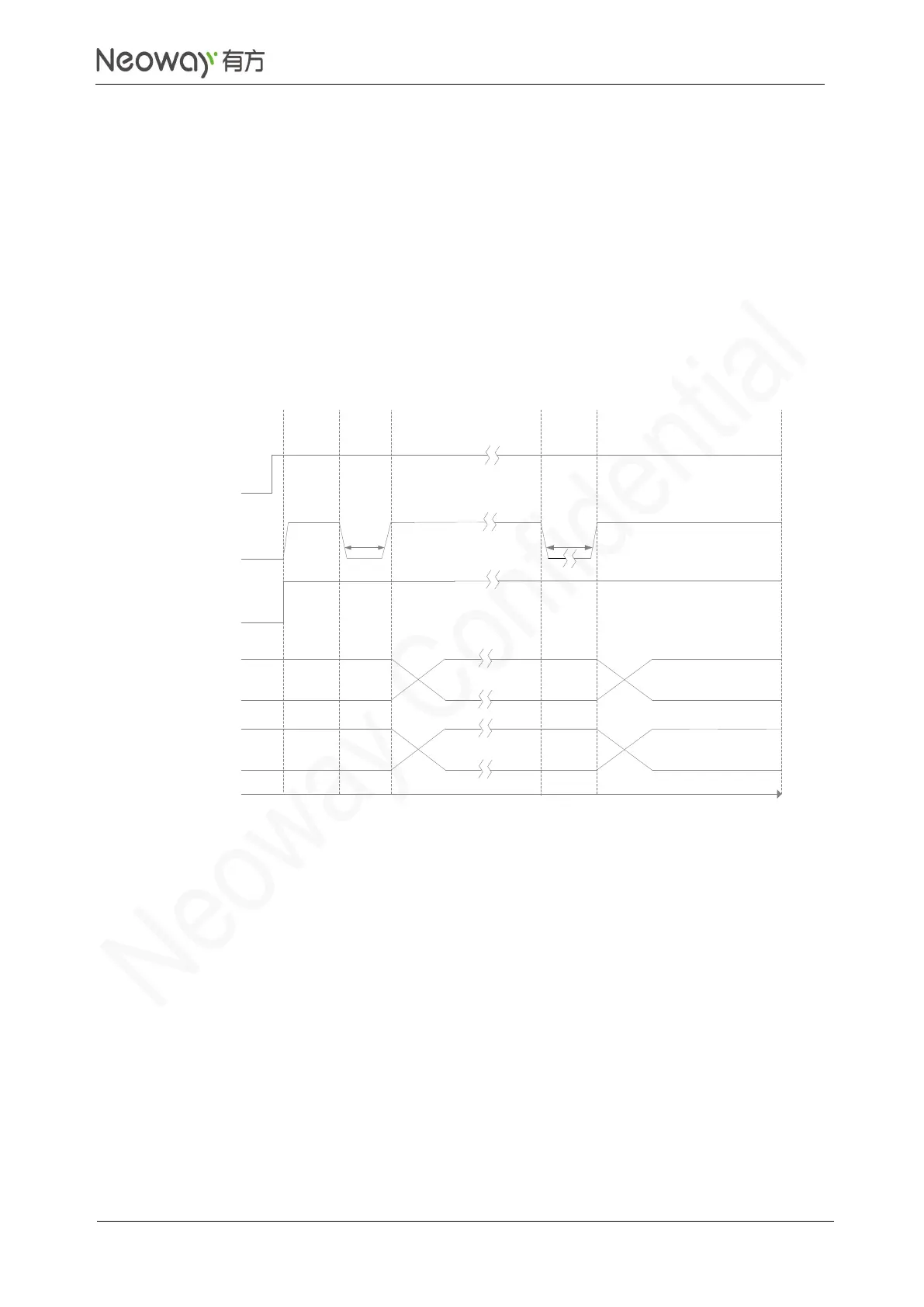
PWRKEY_N is used to hardware power off the module. When the module is working, inputting negative
pulses for more than 2 seconds to PWRKEY_N can trigger the power-off state of the module.
If you use a 2.8V/3.3V IO system, it is recommended to add a triode to separate it. For details, refer to
3.2.2 RESET_N.
For how to power off through software, see Neoway_N75_AT_Command_Manual.
Figure 3-9 N75 on/off timing
VBAT
RESET_N
t >200ms
V
L
<0.6V
USB
t >2s
Inactive
Active
Inactive
Inactive
Active
Inactive
All Interfaces
PWRKEY_N
V
L
<0.6V
Inactive
Active Inactive
Power
ON
Power
OFF
Time
3.2.2 RESET_N
RESET_N is used to reset the module.When the module is working, inputting negative pulse for more
than 1 seconds to RESET_N can trigger the reset process of the module. RESET_N is pulled up
internally. Its typical high-level voltage is 1.8 V. Leave this pin floating if not used.
If you use a 2.8V/3.0V/3.3V IO system, it is recommended to add a triode to separate it. Refer to the
following designs. To reset the module through high level, refer to Figure 3-7.



 To Next Page