178 NetApp AltaVault Cloud Integrated Storage Administration Guide
Disaster recovery Disaster recovery testing
Exporting the configuration file
To prepare for disaster recovery, export your current configuration file from AltaVault at Site A,
altavault_config_(HOSTNAME)_(DATETIME).tgz, and store it in a safe place, such as with your business continuity
plans. For details on exporting your configuration file, see the section Using the export configuration wizard in the
NetApp AltaVault Cloud Integrated Storage User’s Guide.
Disaster recovery testing
If you are restoring data for disaster recovery testing, you must first disable replication on AltaVault at site A and then
restore your data at site B.
Suspending replication at the production site
To suspend replication
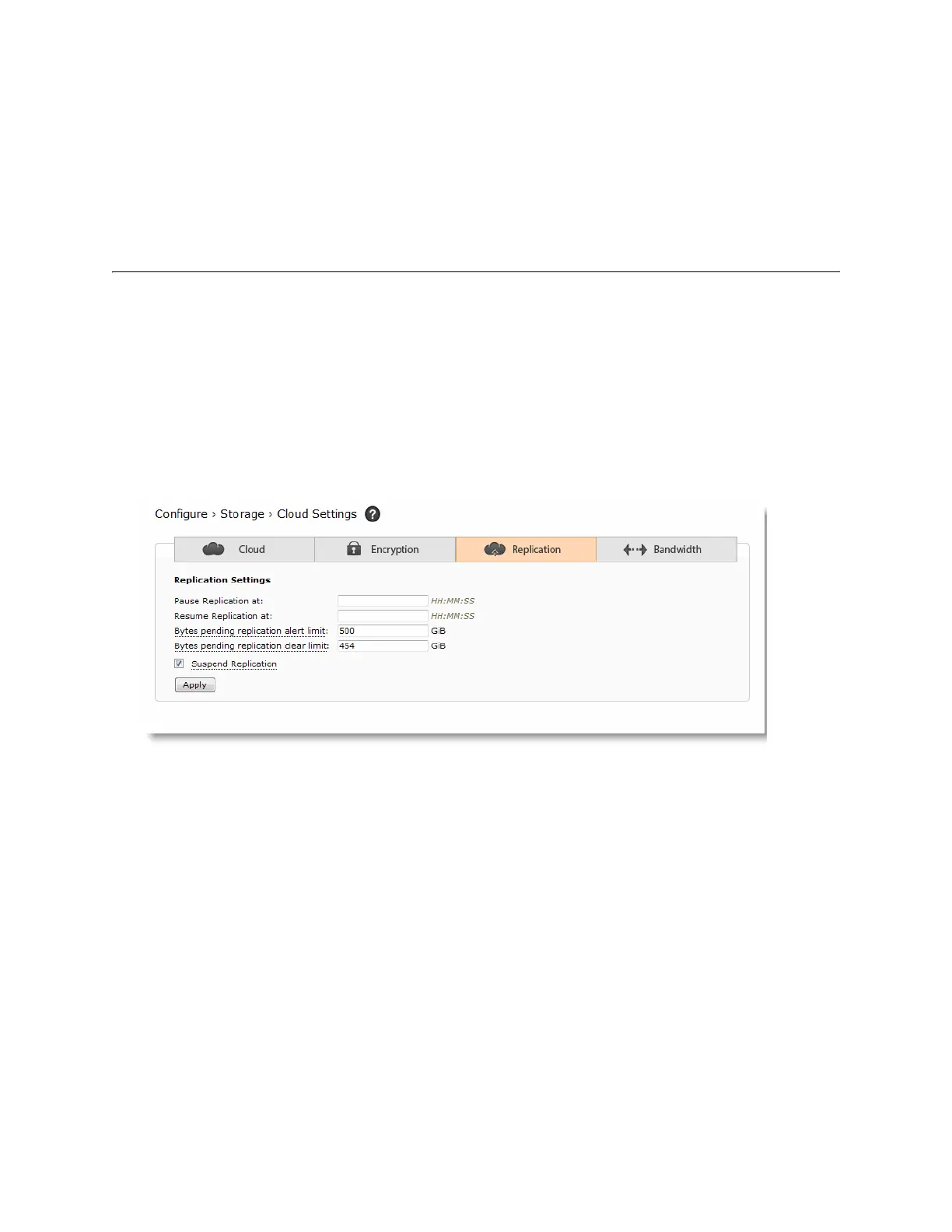
5. On the original production AltaVault appliance, suspend replication by selecting Configure > Cloud Settings.
6. Select the Replication tab.
7. To suspend replication, select the check box, Suspend Replication.
8. Click Apply.
Enabling AltaVault for a disaster recovery test
To recover your configuration to an AltaVault at site B
1. Log in to the appliance with the admin account using the serial console. If you are using a virtual AltaVault
appliance, use the VM console to log in.
2. You can now configure the management IP address using the Configuration Wizard.



 To Next Page