262 NetApp AltaVault Cloud Integrated Storage Administration Guide
Best practices for Amazon Glacier AltaVault appliance best practices for Veritas Backup Exec for Amazon Glacier
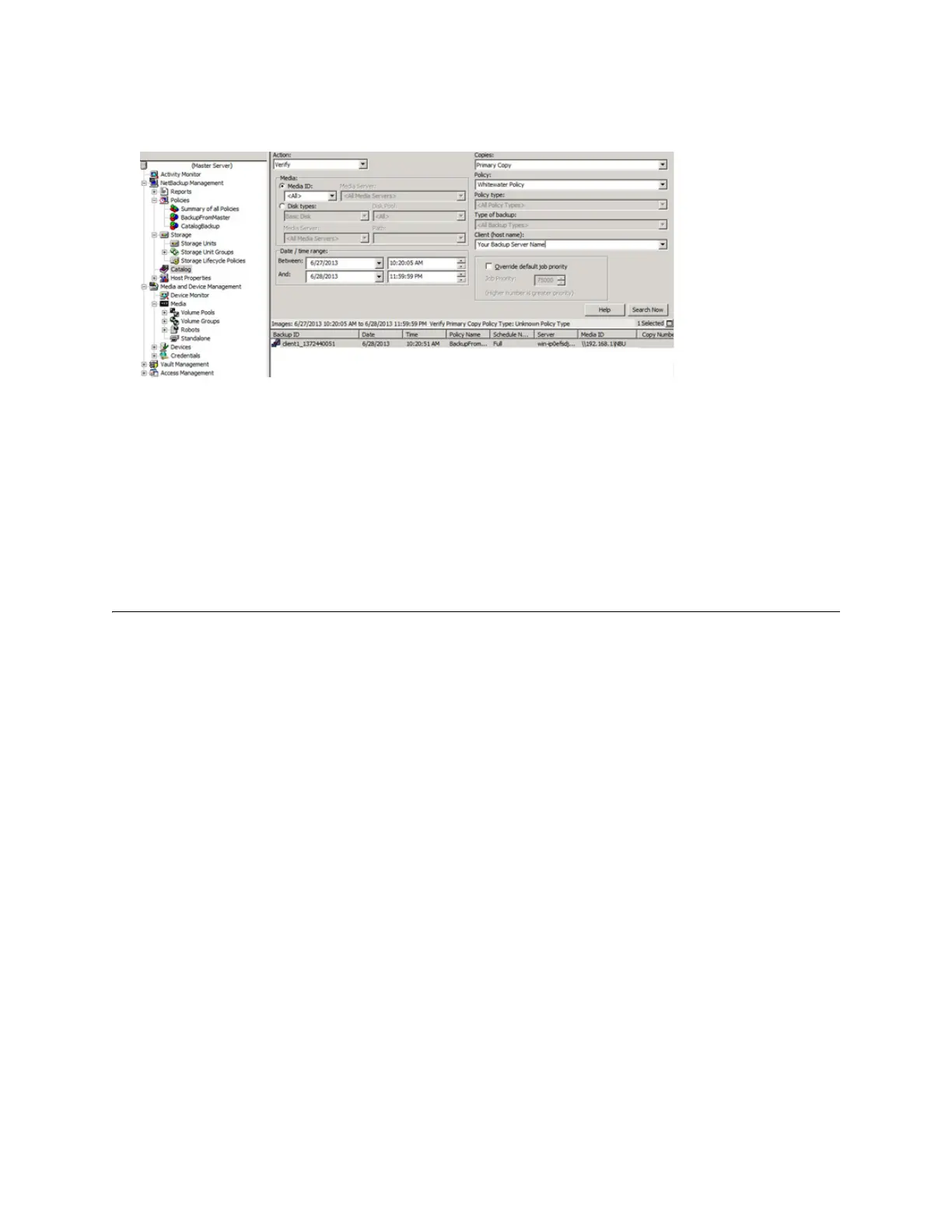
2. Use the filter criteria to select the policy that goes to AltaVault, the client you want to recover data from, and the
date and time range.
3. In the results field at the bottom of the page, identify the Backup_ID.
This corresponds to a portion of the file name of the volume created on AltaVault for the backup.
4. Prepopulate the identified volume identified in step 2, using the Prepopulation GUI as described in “Restoring data
from the cloud using the prepopulation page” on page 252, and wait until the files migrate from Glacier to the
AltaVault cache.
5. Initiate your restore from the NetBackup GUI as you normally would to complete the recovery.
AltaVault appliance best practices for Veritas Backup Exec for
Amazon Glacier
The Backup Exec job activity page maintains inventory of the backups, which can be used to identify which media
volumes are required for restore. Those volumes can then be located by referring to the Backup-To-Disk-Folder or
Storage target and locating the volume from the corresponding AltaVault SMB share.
To identify which medium volumes are required for restore for Backup Exec 2012:
1. Select the Backup and Restore tab
2. Select the server from which you want to restore objects.
3. Select the Job History tab from the left side.
4. Select the backup job you want to restore from the list of backups that display.



 To Next Page