218 NetApp AltaVault Cloud Integrated Storage Administration Guide
Beta Draft
System maintenance AVA-400, AVA-800 Replacing a faulty hard disk drive on an AltaVault AVA400 or AVA800 appliance
Replacing a faulty hard disk drive on an AltaVault AVA400 or
AVA800 appliance
An alarm is raised when a disk drive fails. The alarm indicates which drive has failed and the state of the RAID being
degraded. For information on replacing a faulty hard disk drive on an AltaVault AVA400 or AVA800 appliance, see the
KB Article on the NetApp Support site.
Note: Rebuilding a disk drive can take 12 hours or longer.
For information on installing a new preconfigured 12-pack of disk drives into the shelf, see “Adding an additional
RAID group to a configured appliance” on page 216.
Replacing internal FRUs
To replace internal field-replaceable units (FRUs) inside the AltaVault controller module, you must perform a clean
shutdown of the system, remove the controller module from the chassis, replace the faulty internal FRU, then, re-install
the controller module in the system chassis.
Before you begin, ensure that you replace the impaired controller with a controller module that you received from your
provider.
To replace an internal FRU
1. Use the
reload halt command to perform a clean system shutdown of your system.
2. Power off the system and disconnect the power from the system using the steps described in the procedure,
“Shutting down the AltaVault controller” on page 203.
3. If you are not already grounded, properly ground yourself.
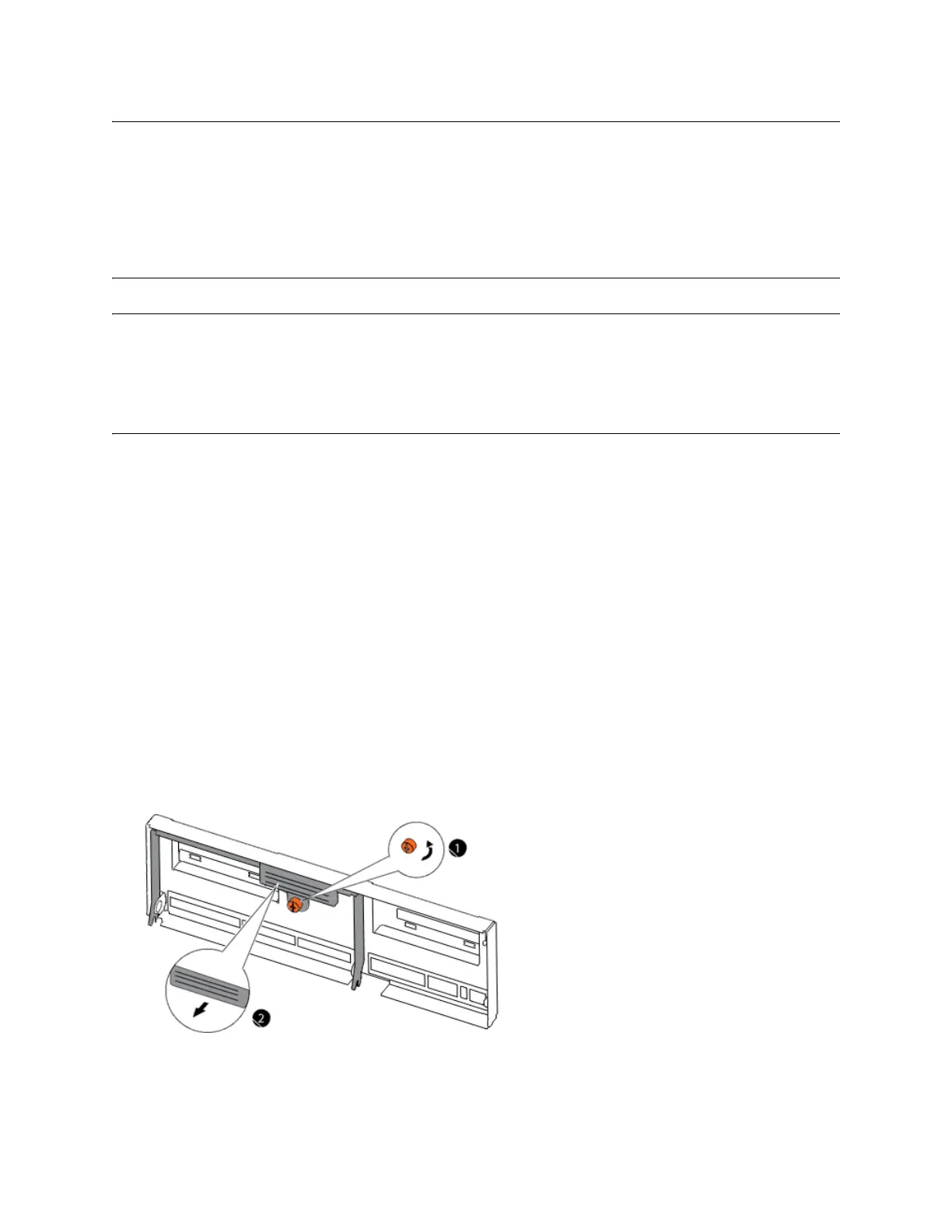
4. Loosen the thumbscrew on the cam handle as shown below.



 To Next Page