194 NetApp AltaVault Cloud Integrated Storage Administration Guide
Beta Draft
System components AVA-400, AVA-800 Controller components and their LEDs
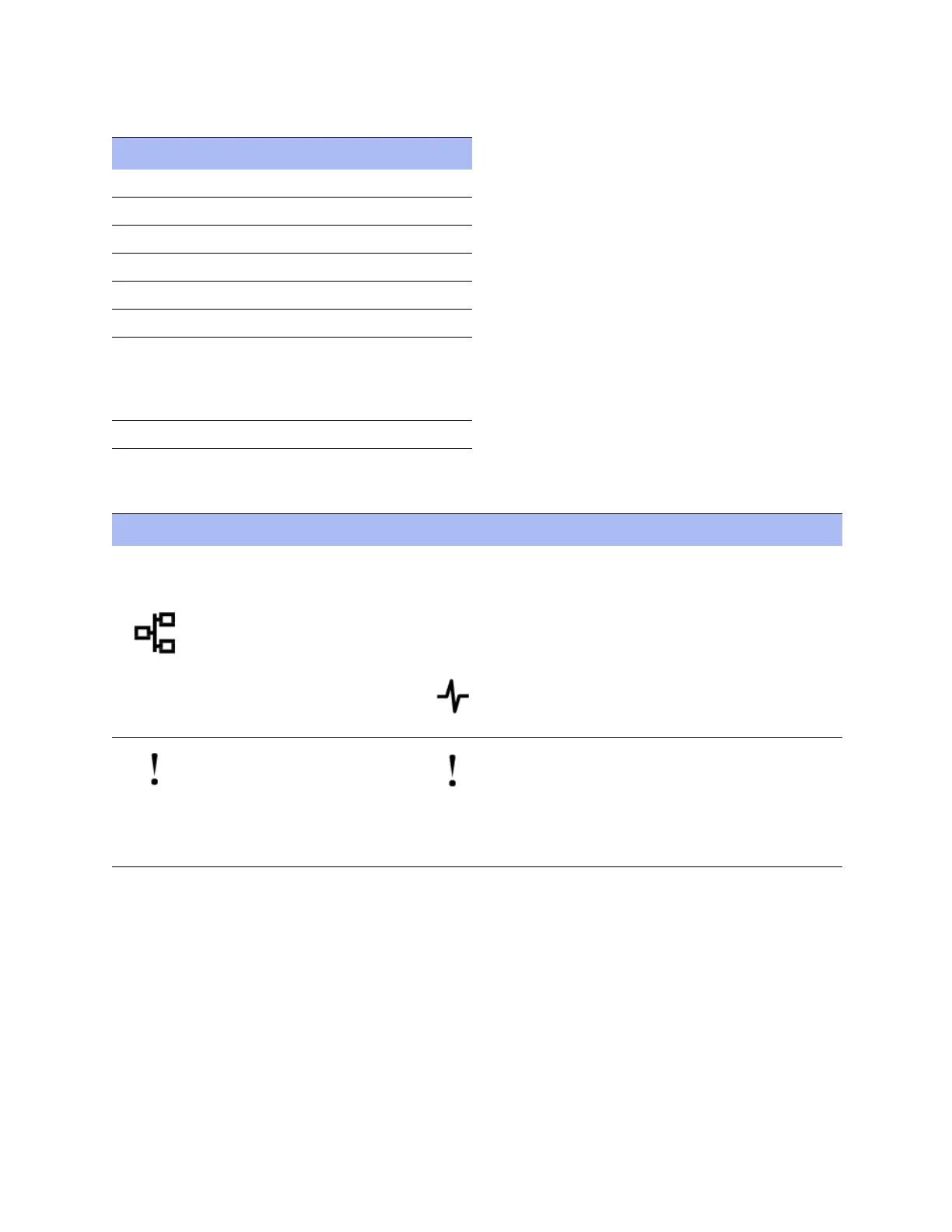
The following table describes ports and LEDs on the left side of the controller:
The following table describes the ports and the status of the port LEDs:
Component Description
1 SAS port LEDs (not used)
2 SAS port (not used)
3 10 GbE port LEDs
4 10 GbE Ports
5 CNA port LEDS (not used)
6 CNA ports (not used)
7 NVRAM LED (not used)
Note: The NVRAM is physically
present, but not used in the AltaVault
software.
8 Controller attention LED
Port labels Port descriptions LED labels LED status LED descriptions
e0a through e0d
and
10 GbE ports
Each controller has four
10Gb Ethernet (10GbE)
ports, identified with labels
e0a, e0b, e0c, and e0d.
LNK Green
Amber flashing
Off
A link is established between the
port and some upstream device.
Traffic is flowing over the
connection.
No traffic is flowing over the
connection.
Controller attention LED Amber
Off
A problem has occurred in the
controller. This in turn has caused
the system attention LED on the
chassis front to become
illuminated.
The controller is functioning
properly.


 To Next Page