NGTeco Time Clock - K4 Model User Manual
Page | 13 Copyright©2021 NGTeco. All rights reserved.
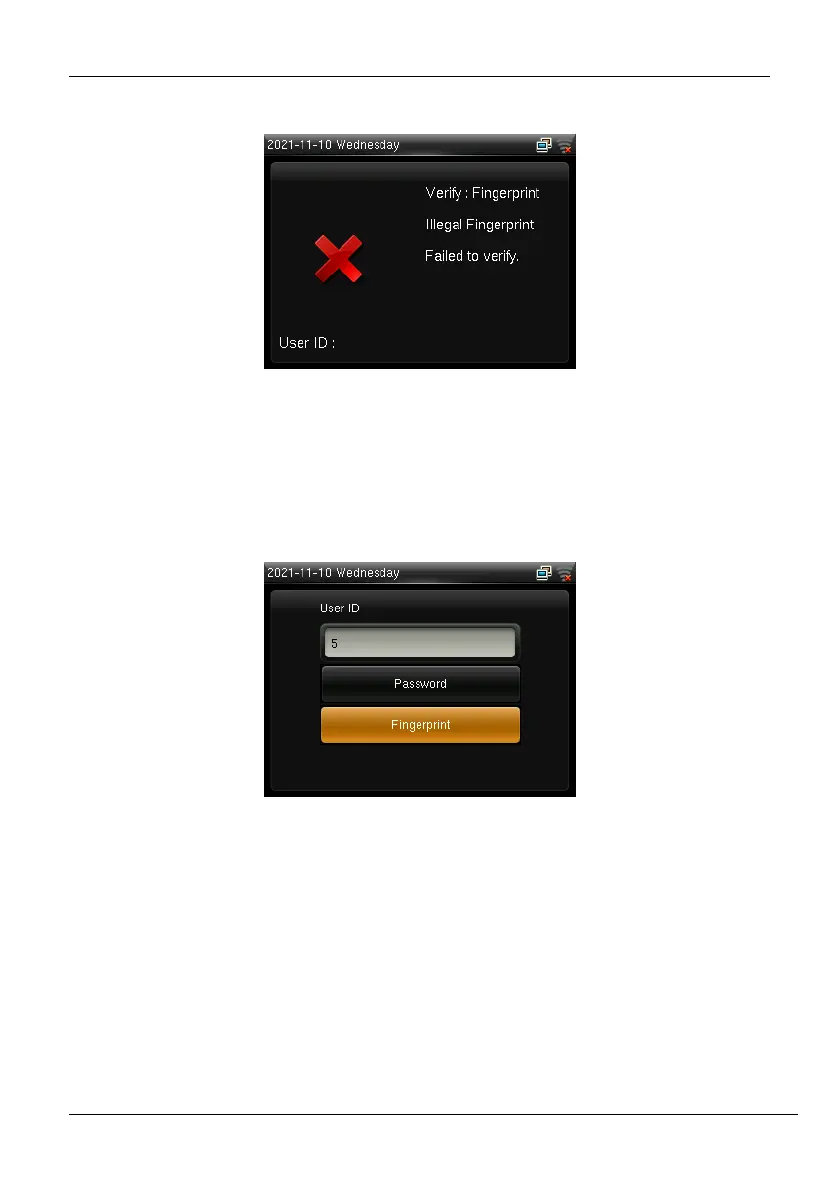
If the verification failed, the message will be displayed as shown below:
Figure 2-3: Failed Biometric Verification
1:1 Verification: The clock compares the current fingerprint collected by the fingerprint
sensor with the fingerprint template saved for the corresponding User ID. Enter your User ID
through the keypad and press your finger.
Figure 2-4: 1:1 Verification Screen
If the fingerprint matches the saved template, the verification is successful, and the success
message will be displayed as shown below:



 To Next Page