NGTeco Time Clock - K4 Model User Manual
Page | 64 Copyright©2021 NGTeco. All rights reserved.
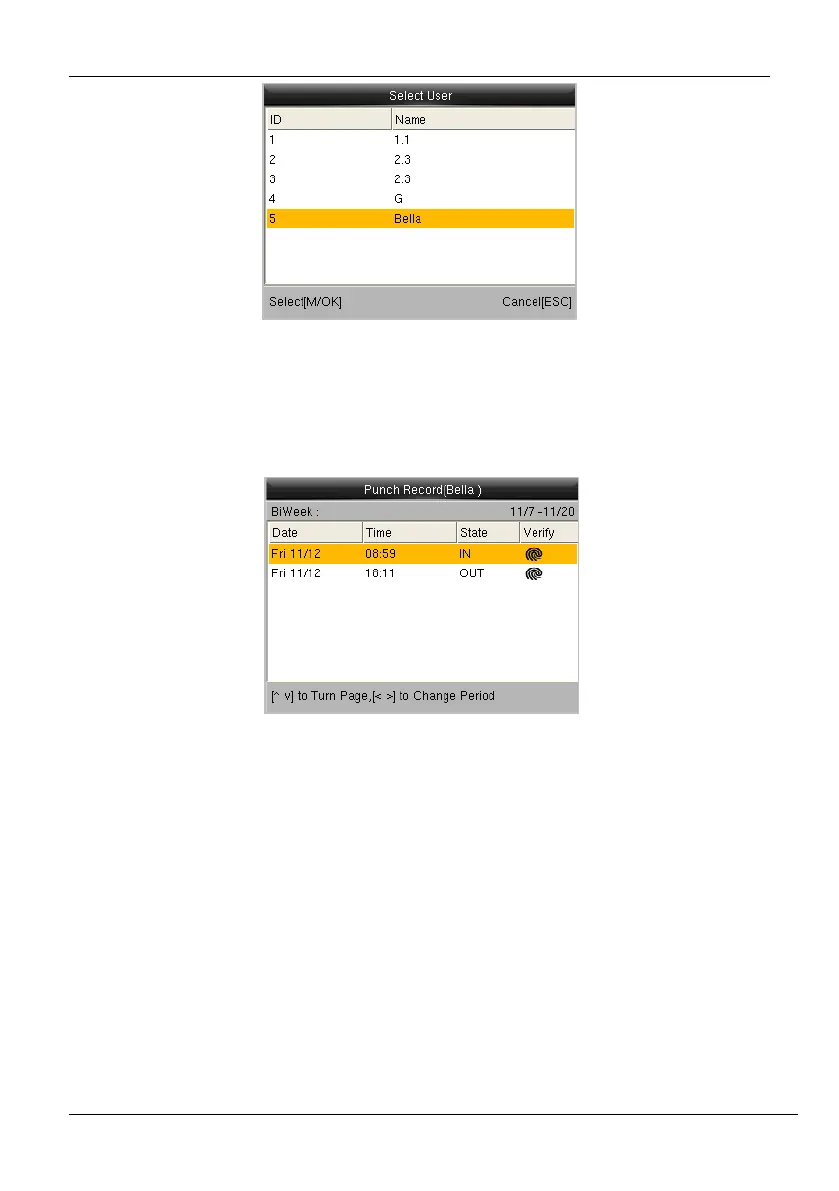
Figure 11-4: Selecting a User
3. To select a user, and press <M/OK>.
4. The attendance of the selected users will be displayed as shown below:
Figure 11-5: Attendance Details of the Selected Users
11.3 Add Missing Attendance Punch
When a user forgets to punch for check-in/check-out, the attendance details can be logged
in manually. The steps to add manual logs is given below:



 To Next Page