NGTeco Time Clock - K4 Model User Manual
Page | 36 Copyright©2021 NGTeco. All rights reserved.
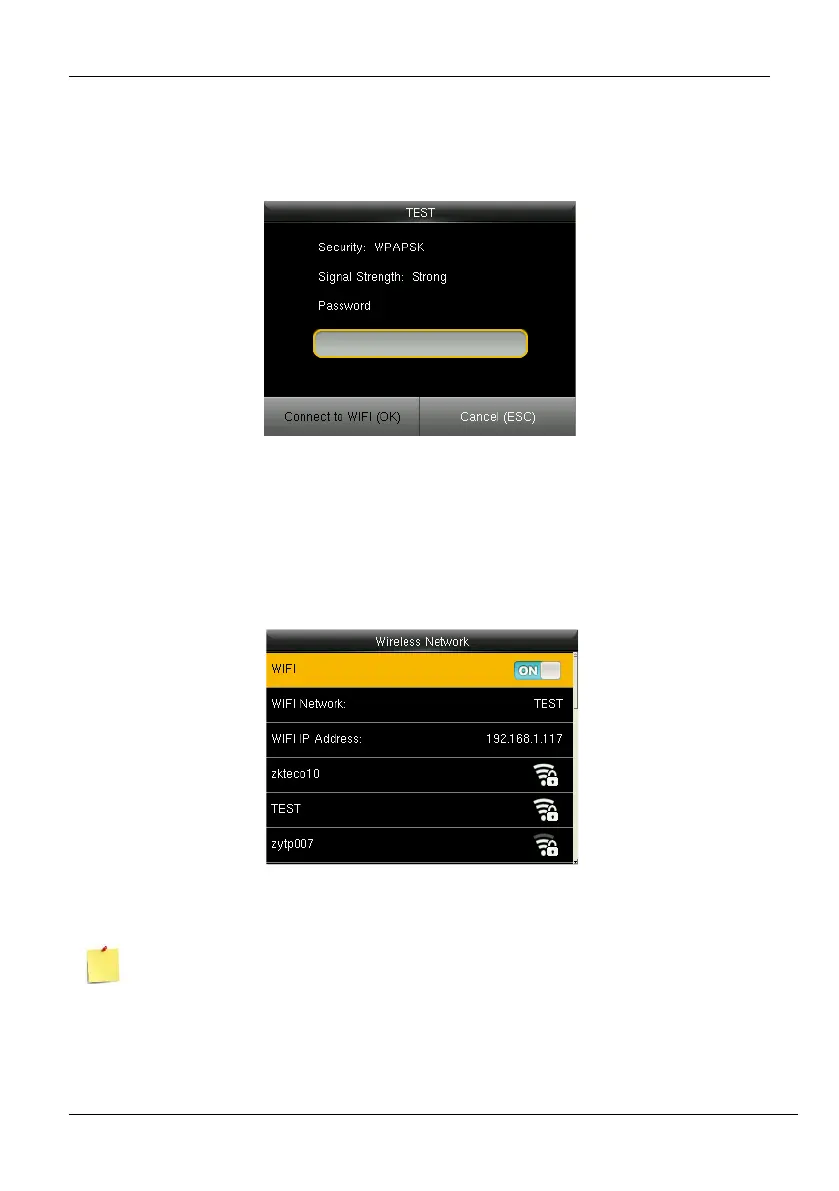
3. Navigate to the required Wi-Fi connection and press <M/OK>.
4. The interface to connect Wi-Fi will be displayed as shown below. If the signal strength is
weak, the device may fail to connect.
Figure 6-5: Wi-Fi Connection Interface
5. Navigate to [Password] and enter the password to connect.
6. Then navigate to [Connect to WIFI (OK)] and press <M/OK>.
7. Once connected, the connectivity status will be displayed as shown below:
Figure 6-6: Connected Wi-Fi
If the special symbol is set as the Wi-Fi password, only these are supported:



 To Next Page