NGTeco Time Clock - K4 Model User Manual
Page | 59 Copyright©2021 NGTeco. All rights reserved.
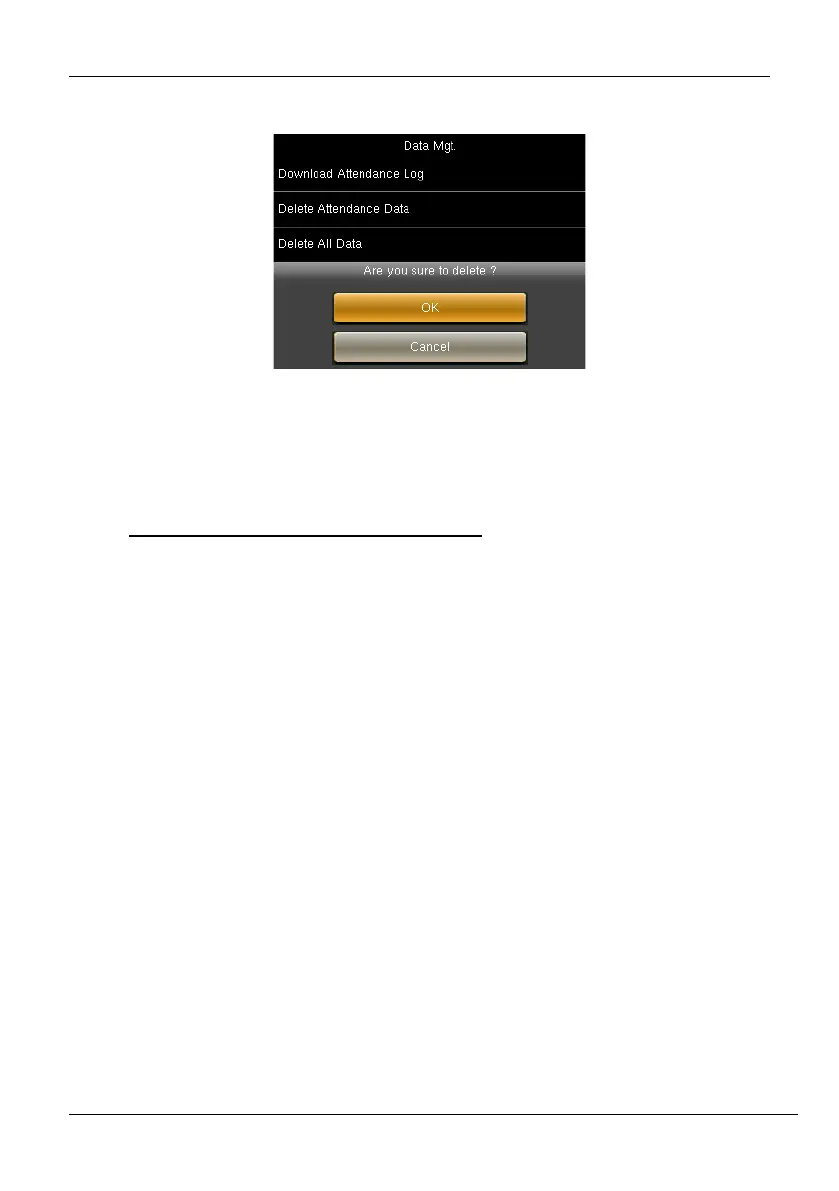
2. An alert will be displayed as shown below:
Figure 11-12: Confirmation to Clear Permission
3. Press <M/OK> if you want to reset the Admin Privileges.
10 Attendance Management
The NGTeco Time Clock automates and provides a simple way to record the attendance of
users with Fingerprint/Password verification. It also assists the employer to track the user’s
attendance analytics such as work hours, absenteeism, missing attendance punches, etc. This
automated clock greatly reduces the computational errors and transcriptional errors thus
facilitating hassle-free attendance calculation
.
10.1 Attendance Rules
Attendance Rules are a predefined set of specifications framed to maintain clear and
consistent attendance management of the users.
The procedure to set the attendance rules is given below:
1. Go to [Rule].
2. The interface to set the attendance rules will be displayed as shown below:



 To Next Page