NGTeco Time Clock - K4 Model User Manual
Page | 16 Copyright©2021 NGTeco. All rights reserved.
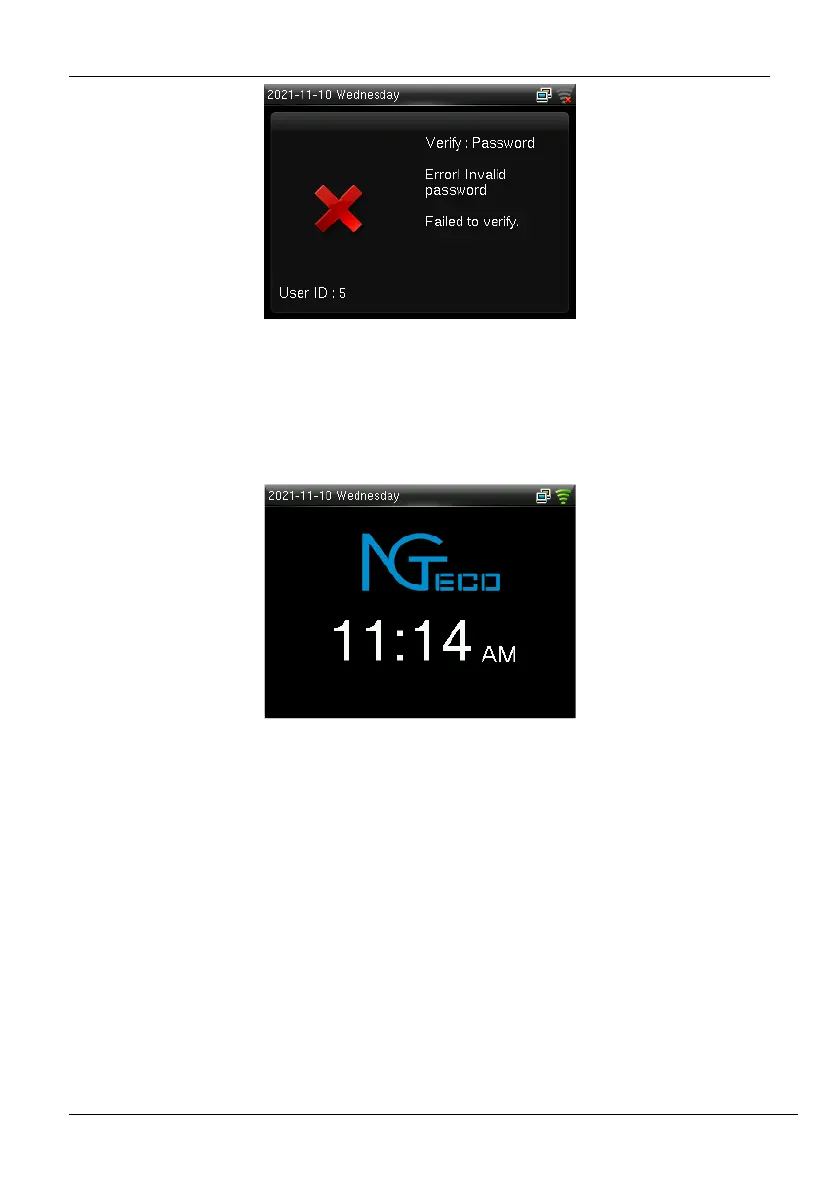
Figure 2-9: Failed Password Verification
2.2.3 Standby Interface
The clock’s home screen displays the current attendance status:
Figure 2-10: Home Screen
2.3 T9 Mode
The T9 mode allows you to enter the Uppercase, Lowercase, and Special characters in the
text input fields. You can enter the alphabets and special characters by pressing one
keystroke per letter.
• Navigate to the required text field and press <M/OK>.



 To Next Page