NGTeco Time Clock - K4 Model User Manual
Page | 45 Copyright©2021 NGTeco. All rights reserved.
Show for enroll: to display the fingerprint image on the screen only during enrollment.
Show for match: to display the fingerprint image on the screen only during verification.
Always show: to display the fingerprint image on screen during enrollment and verification.
None: not to display the fingerprint image.
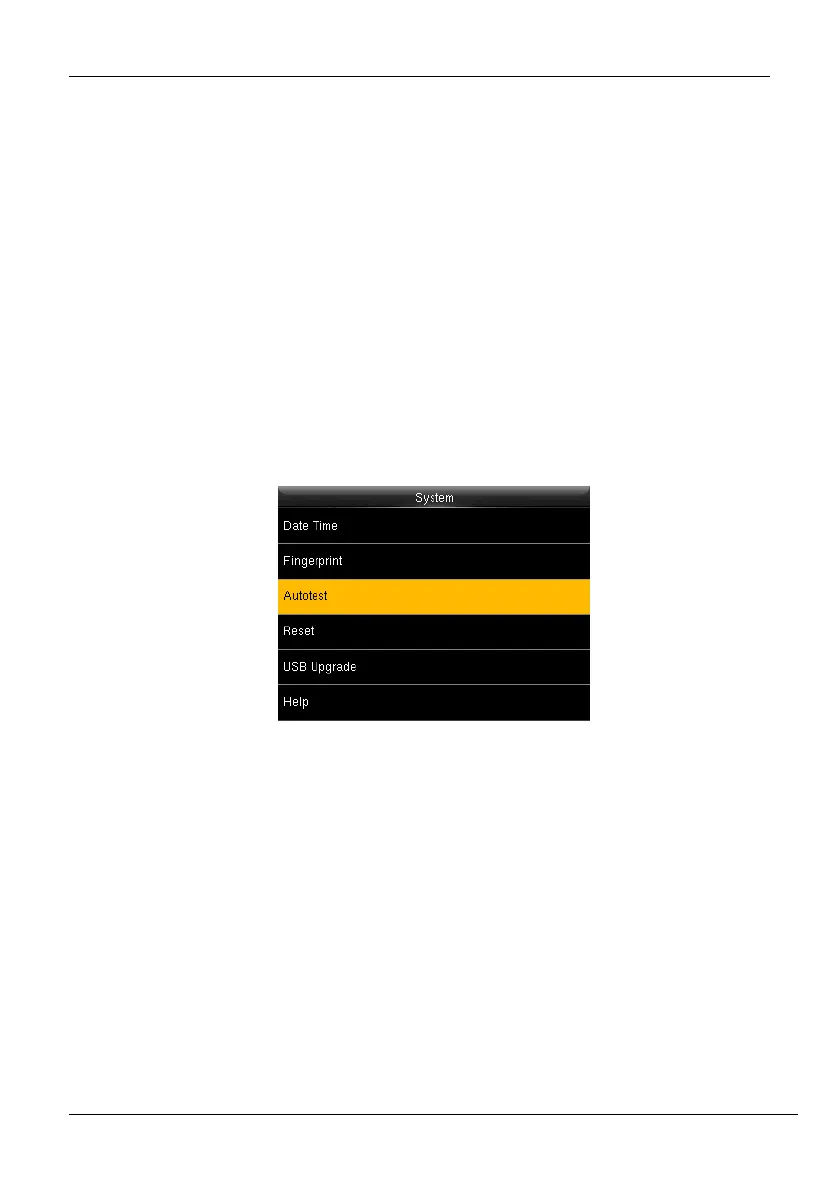
7.3 Autotest
The auto test enables the system to automatically test whether the functions of various
modules are normal, including the LCD, Voice, Face, Keyboard and Clock tests.
1. Go to [System] and press <M/OK>.
Figure 7-5: Auotest Interface -1
2. Then go to [Auotest] and press <M/OK>. The interface appears as shown below:



 To Next Page