NGTeco Time Clock - K4 Model User Manual
Page | 41 Copyright©2021 NGTeco. All rights reserved.
Figure 6-114: Connectivity Interface
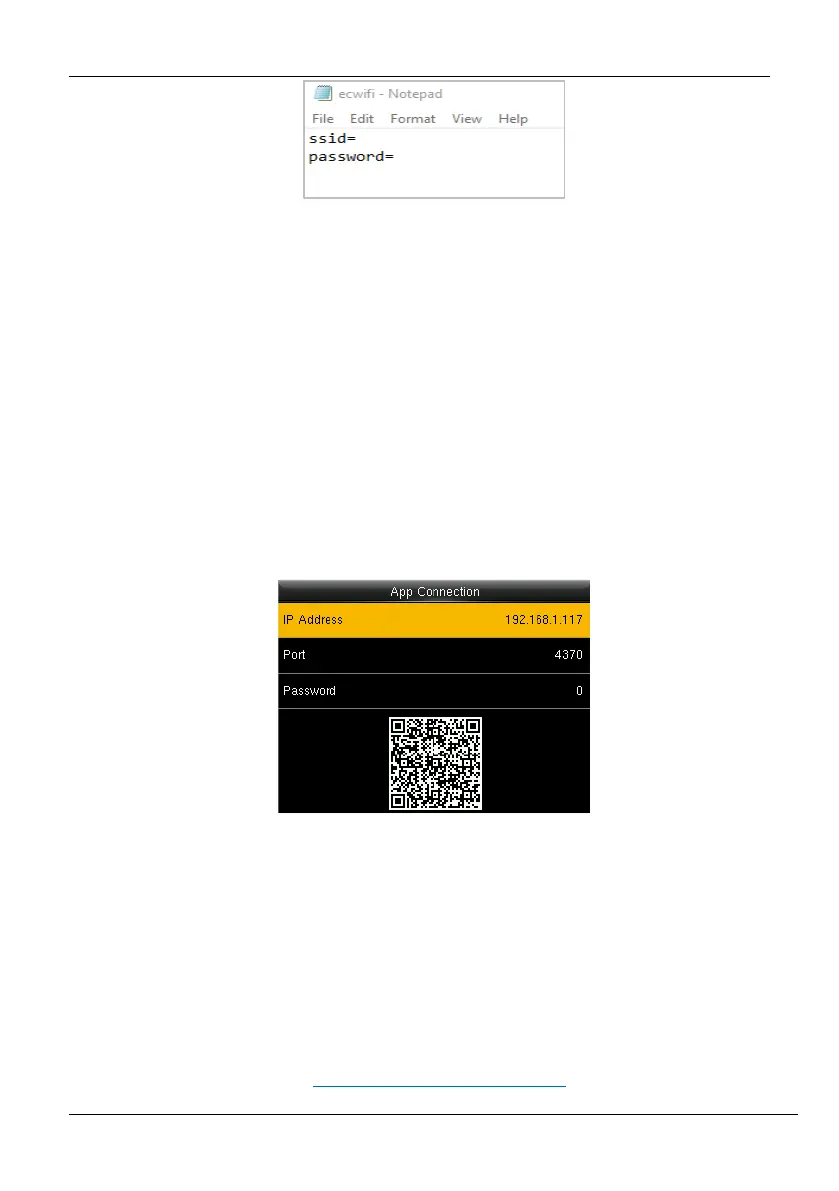
8. Save the file and again insert the USB drive to the clock.
9. Go to [Comm.] then [Wi-Fi Setup by USB].
10. Then select [Upload].
11. The clock will be connected to the configured Wi-Fi with the uploaded SSID and
Password.
6.4 App Connection
Go to [Comm.] and then [App Connection] to view the QR code.
Figure 6-115: App Connection
IP Address: IP Address of the device.
Port: The Port number of the device.
Password: Password to connect to the NGTeco Time app.
Note: The device must be connected to Wi-Fi or the Ethernet successfully, otherwise the QR
code will not be displayed.
The process in detail refers to 14 Connect to NGTeco Time App
.



 To Next Page