NGTeco Time Clock - K4 Model User Manual
Page | 24 Copyright©2021 NGTeco. All rights reserved.
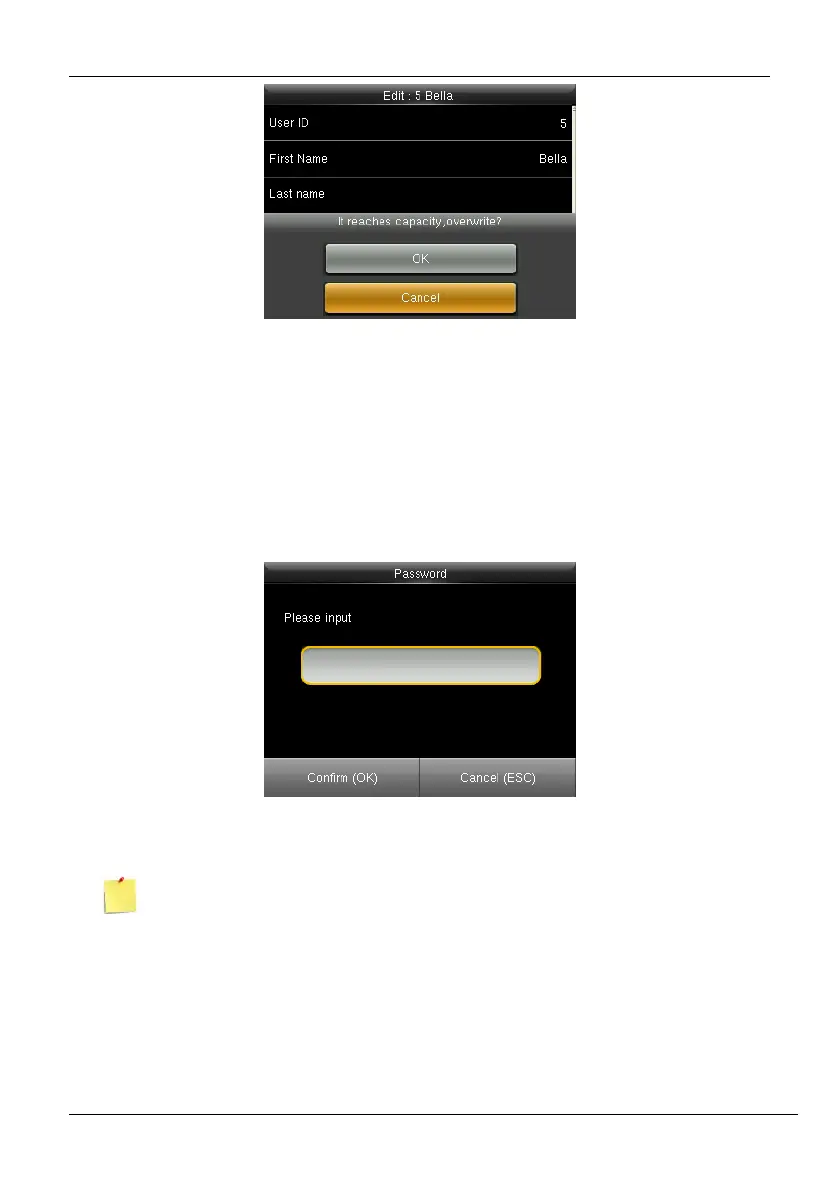
Figure 5-6: Alert to Overwrite Fingerprints
If you press <M/OK>, then all the registered fingerprints will be deleted, and you can restart
the enrollment process.
• Password: To register a password, press the <M/OK> key. The interface to
register the password will be displayed as shown below:
Figure 5-7: Enroll Password
The entered password must be a maximum of 8 characters.



 To Next Page