NGTeco Time Clock - K4 Model User Manual
Page | 66 Copyright©2021 NGTeco. All rights reserved.
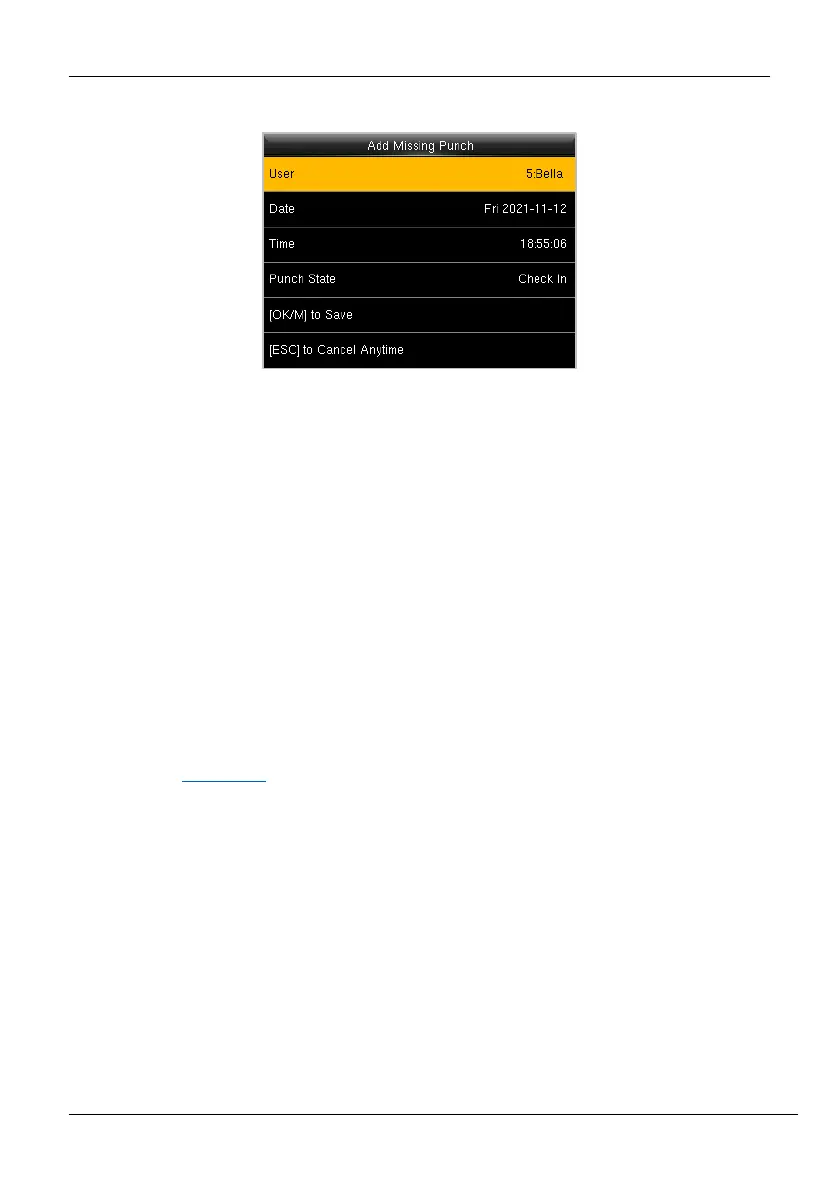
3. The interface to add the missing punches will be displayed as shown below:
Figure 11-8: Missing Punch Details
4. Date: Enter the date on which you must add the missing attendance punch by
navigating to Month, Date, and Year text boxes by pressing <> or <> key.
5. Time: Enter the Time by navigating to Hour and Minute text boxes by pressing <> or
<> key. If the time format is 12-hours, then select [AM/PM] by pressing <> or <>
key.
6. Select the attendance state as Check-in/Check-out by pressing <> or <> key.
7. Navigate to [OK/M to Save] and press <M/OK>.
Note: Check-in and check-out information cannot be deleted from the device, but
administrators can use the edit check-in/check-out function in the NGTeco Time app. For
details, see Edit Punch
.



 To Next Page