NGTeco Time Clock - K4 Model User Manual
Page | 19 Copyright©2021 NGTeco. All rights reserved.
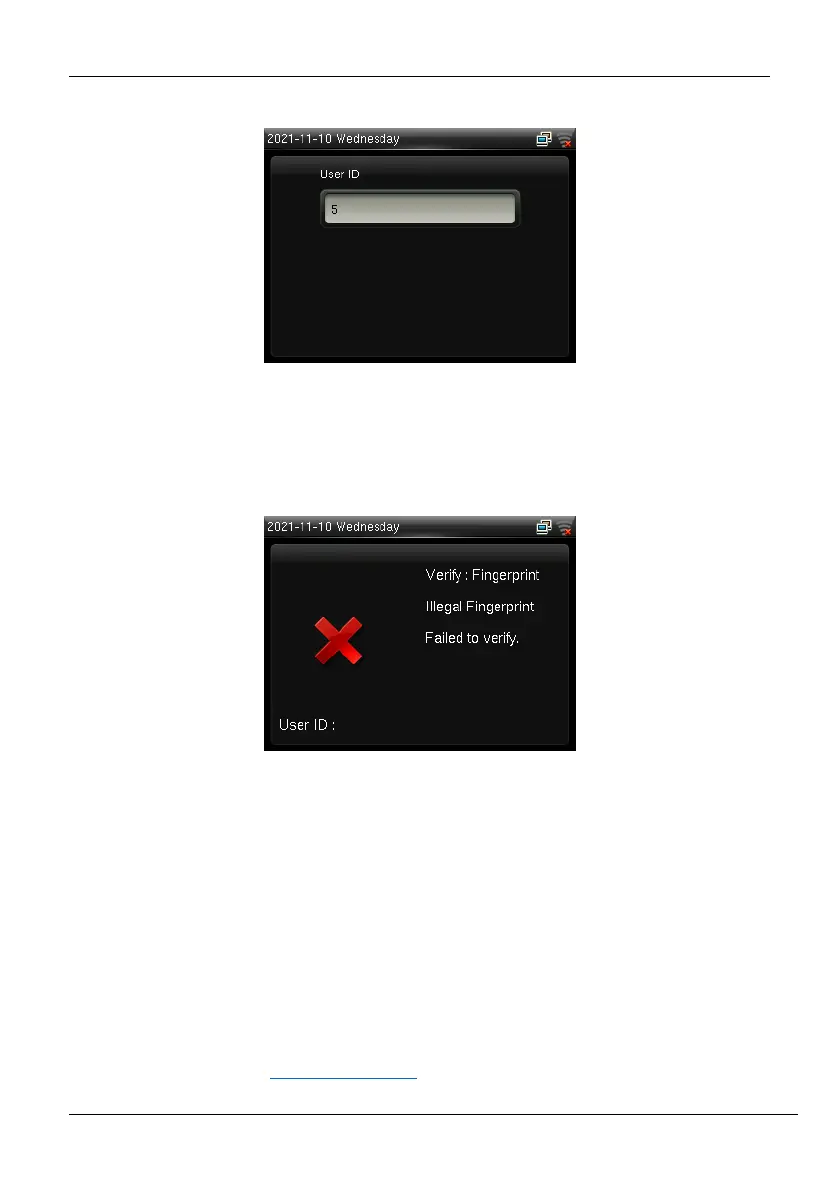
The Admin must verify the fingerprint or press <M/OK> to verify the password.
Figure 3-2: Admin Verification
If a person other than Admin tries to open the menu with his own credentials, an error will
be displayed as shown below:
Figure 3-3: Failed Admin Verification
Note:
After registering as an administrator, you must use the administrator authentication
method to enter the menu. Please keep your password in a safe place. If you forget your
password, you can apply for a temporary password for verification.
3.2 Users
Users can make attendance punch through fingerprint/password verification methods.
For further details, refer Verification Modes
.



 To Next Page