NGTeco Time Clock - K4 Model User Manual
Page | 47 Copyright©2021 NGTeco. All rights reserved.
7.4 Reset
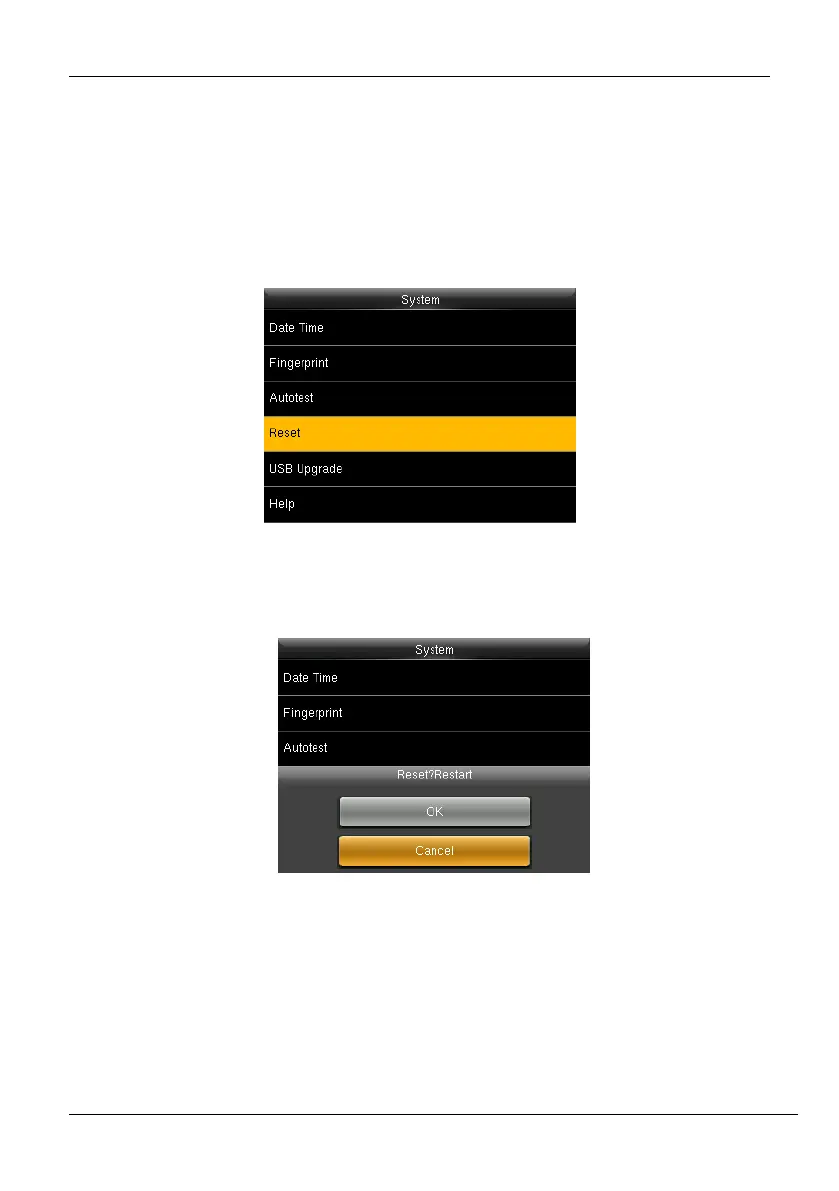
The menu is used to reset the Communication settings, System settings, etc.
1. If you need to reset the device, please enter [System], select [Reset], and press
<M/OK>.
Figure 7-7: Reset
2. An alert will be displayed as shown below:
Figure 7-8: Alert to Reset



 To Next Page