NGTeco Time Clock - K4 Model User Manual
Page | 72 Copyright©2021 NGTeco. All rights reserved.
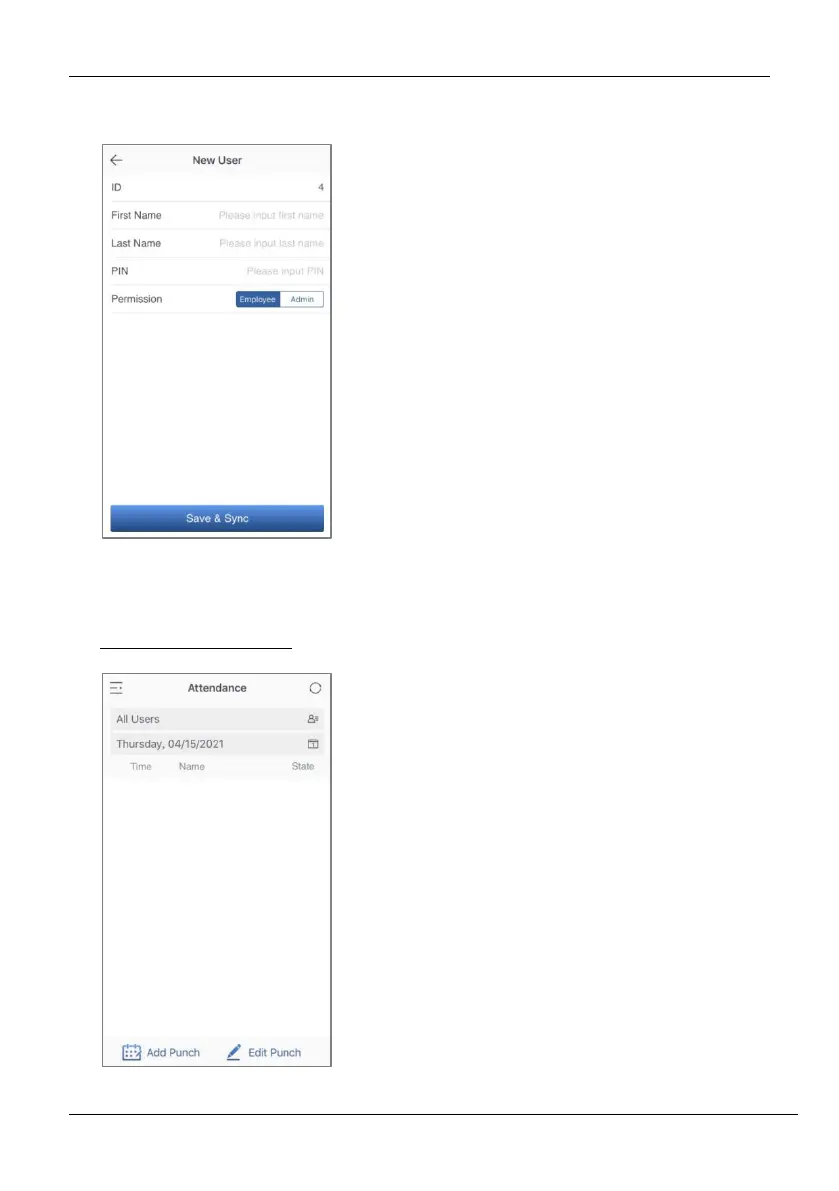
14.1 Register Users from App
14.2 Attendance
View Attendance Record
1. Go to Users menu.
2. Click the Add User icon to add a
New user.
3. The User ID can be auto generated or
manually assigned.
4. Enter the First Name, Last Name and
Password.
5. Set the permission.
6. Click Save & Sync to sync the user
details to the time clock.
7. Open the User List on the clock to
enroll user’s face.
1. Go to Attendance menu.
2. Select
Record. You can also select the date.



 To Next Page