NGTeco Time Clock - K4 Model User Manual
Page | 39 Copyright©2021 NGTeco. All rights reserved.
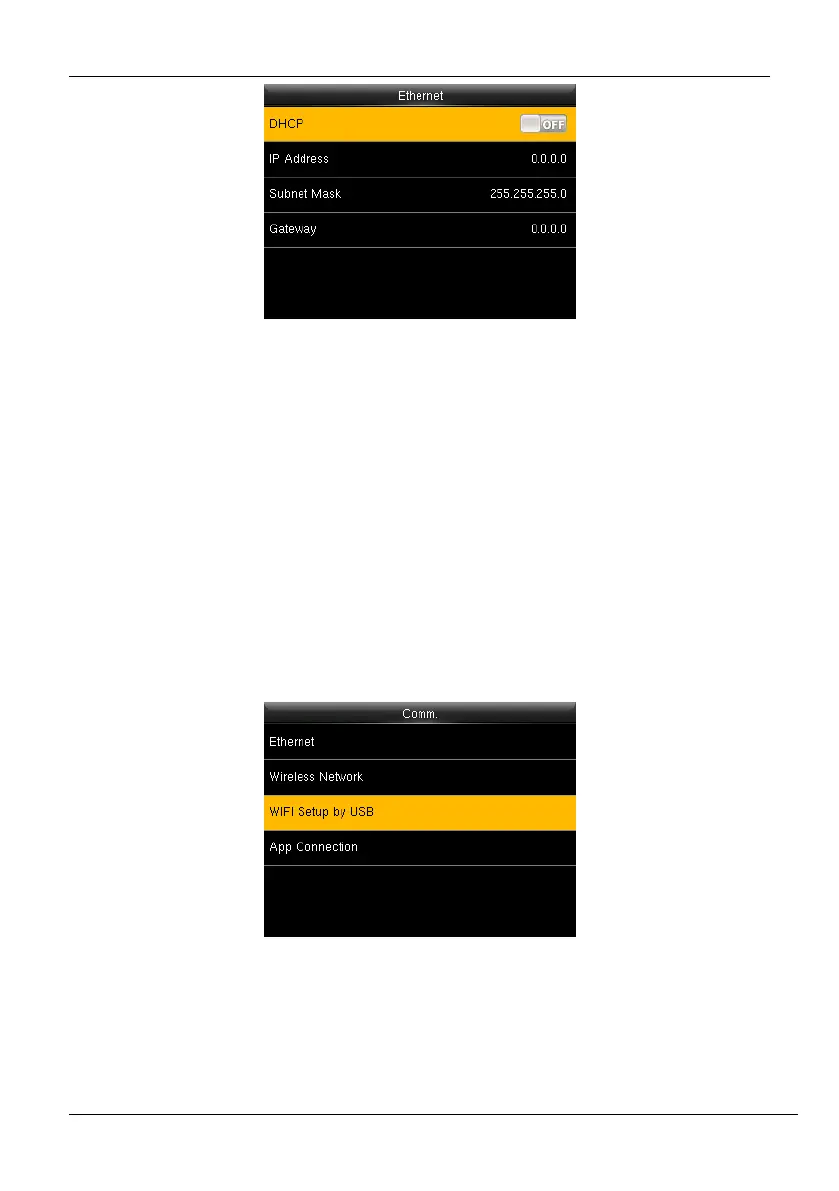
Figure 6-9: DHCP Connectivity
5. Then navigate to <M/OK>.and press <M/OK>.
6.3 Wi-Fi Configuration through USB
You can also configure Wi-Fi through the Wi-Fi configuration template uploaded from a USB
disk.
To configure Wi-Fi through a USB disk, perform the following steps:
1. Go to [Comm.] then [Wi-Fi Setup by USB].
Figure 6-10: Wi-Fi Setup by USB
2. The interface to download the template will be displayed as shown below:



 To Next Page