NGTeco Time Clock - K4 Model User Manual
Page | 57 Copyright©2021 NGTeco. All rights reserved.
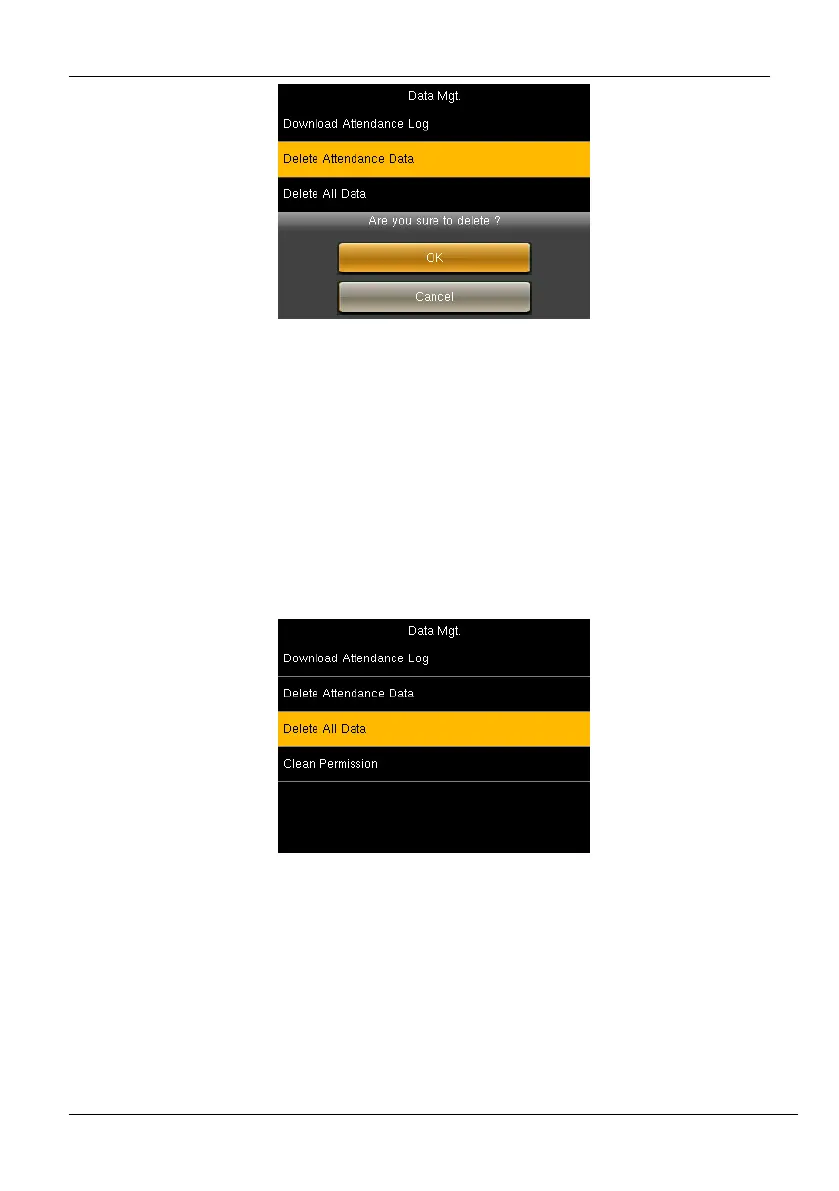
Figure 9-6: Confirmation to Delete Attendance Logs
3. Press <M/OK> to delete all the attendance data.
9.2 Delete All Data
Perform the following steps to delete all the data:
1. Go to [Data] then [Delete All Data].
Figure 9-7: Delete All Data
2. An alert will be displayed as shown below:



 To Next Page