NGTeco Time Clock - K4 Model User Manual
Page | 27 Copyright©2021 NGTeco. All rights reserved.
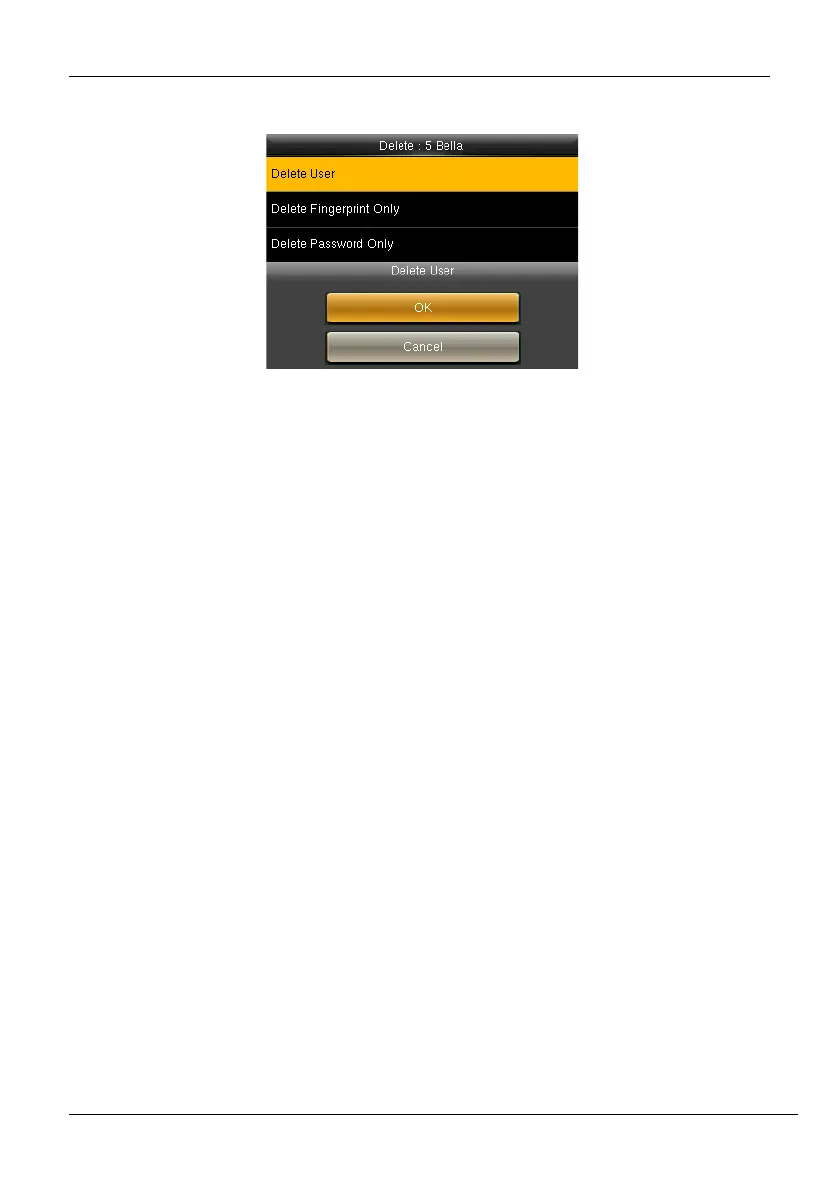
2. An alert will be displayed as shown below:
Figure 5-12: Alert to Delete User
3. Press <M/OK> to delete the User.
5.3 How to Transfer User Data
The user data can be transferred in two ways:
• From Clock to the USB drive
• From USB drive to clock
5.3.1 Upload User Data from USB Drive to Clock
To add a large number of user data, you can directly upload it from a USB drive. The clock
facilitates you to add bulk user data without any complexity in a short duration of time. The
procedure to upload the user data is given below.
1. Go to [Users] and navigate to [Upload Users].



 To Next Page