NGTeco Time Clock - K4 Model User Manual
Page | 18 Copyright©2021 NGTeco. All rights reserved.
3 Privileges
The user privileges are classified as:
• Administrator
• Users
3.1 Administrator
The Administrator privilege protects the clock against unwanted damage to important
configurations and unwanted changes. The Administrator has the privilege to operate all the
menus in addition to fingerprint/password-based attendance maintenance. The Admin can
make changes to the configuration, add and modify user details, and query on attendance
records. Click here
to view the detailed menu operations.
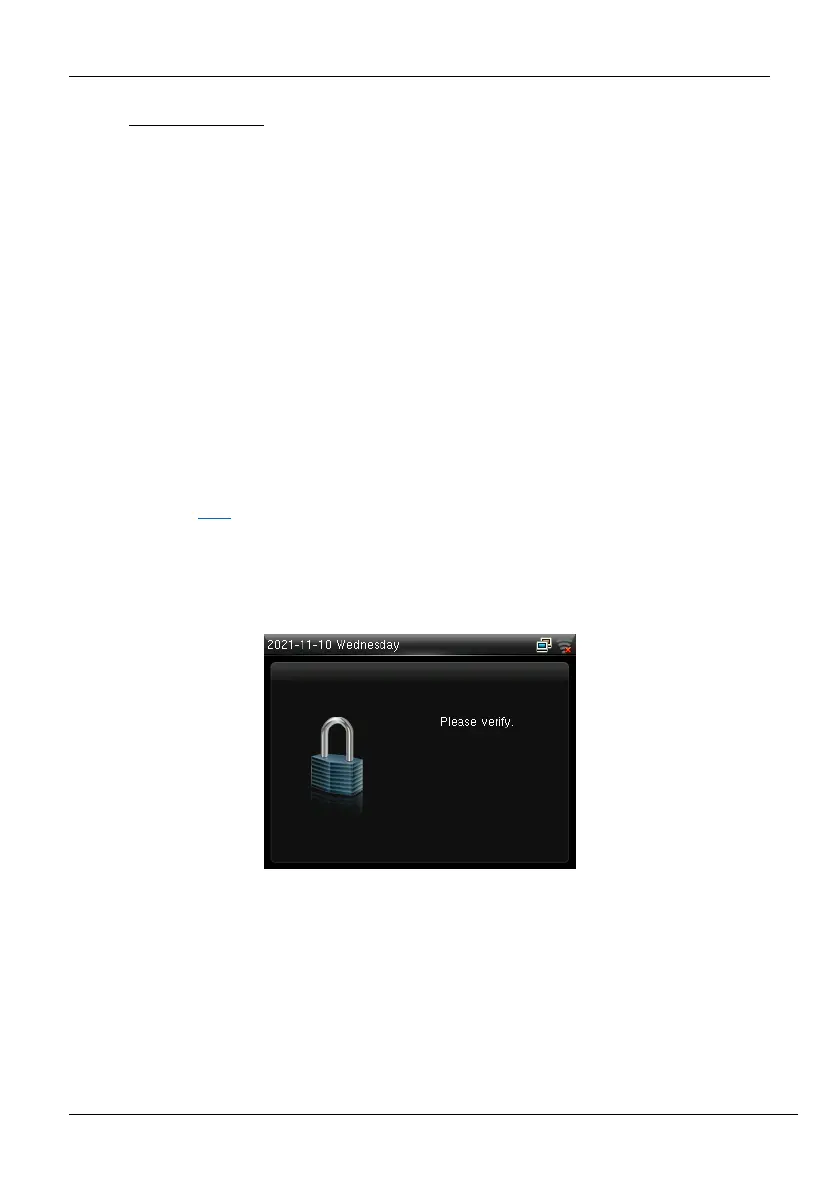
Initially, the Admin must press and hold the <M/OK> key for 3 seconds. Then the Admin
verification screen appears as shown below:
Figure 3-1: Locked Screen for Admin Verification



 To Next Page