NGTeco Time Clock - K4 Model User Manual
Page | 25 Copyright©2021 NGTeco. All rights reserved.
5.2 User Data Management
The Administrator can also modify the existing user data. The steps to edit the user data are
given below:
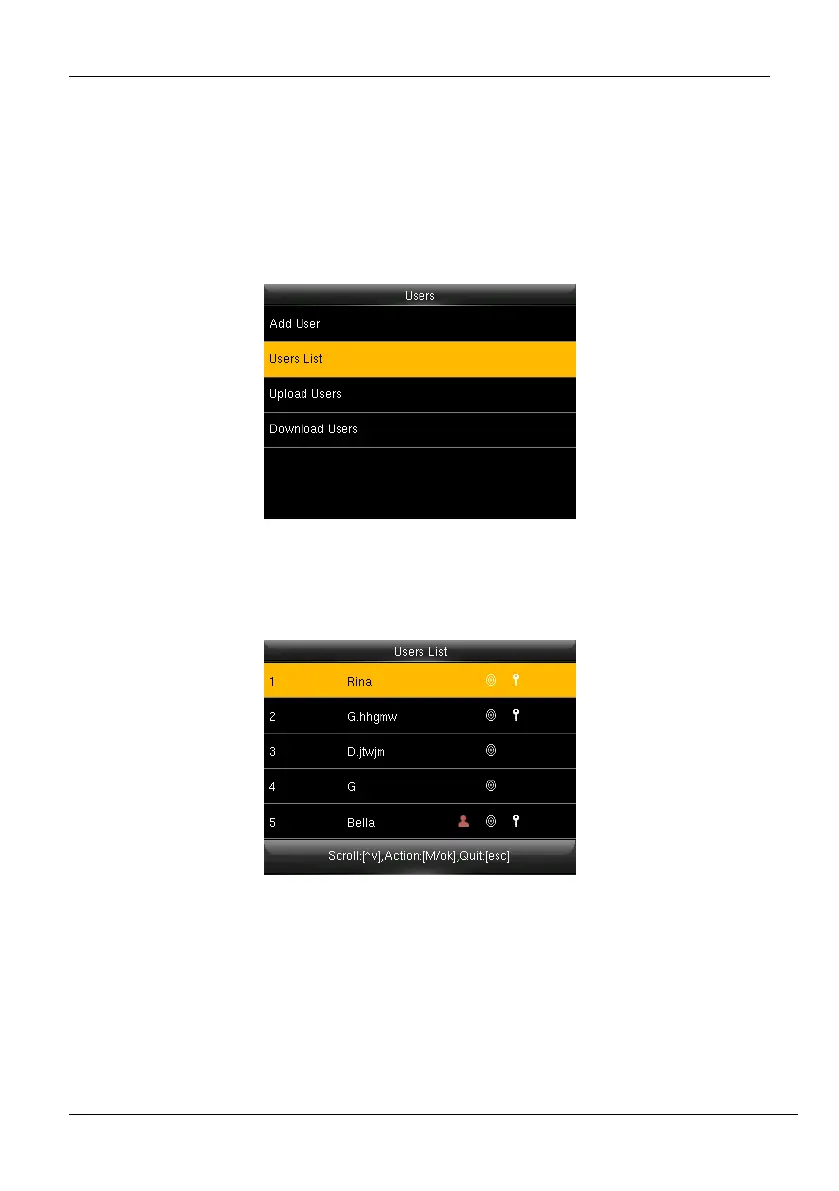
1. Go to [Users] and navigate to [Users List].
Figure 5-8: Users List Menu
2. The user's list will be displayed as shown below:
Figure 5-9: Users List



 To Next Page