NGTeco Time Clock - K4 Model User Manual
Page | 30 Copyright©2021 NGTeco. All rights reserved.
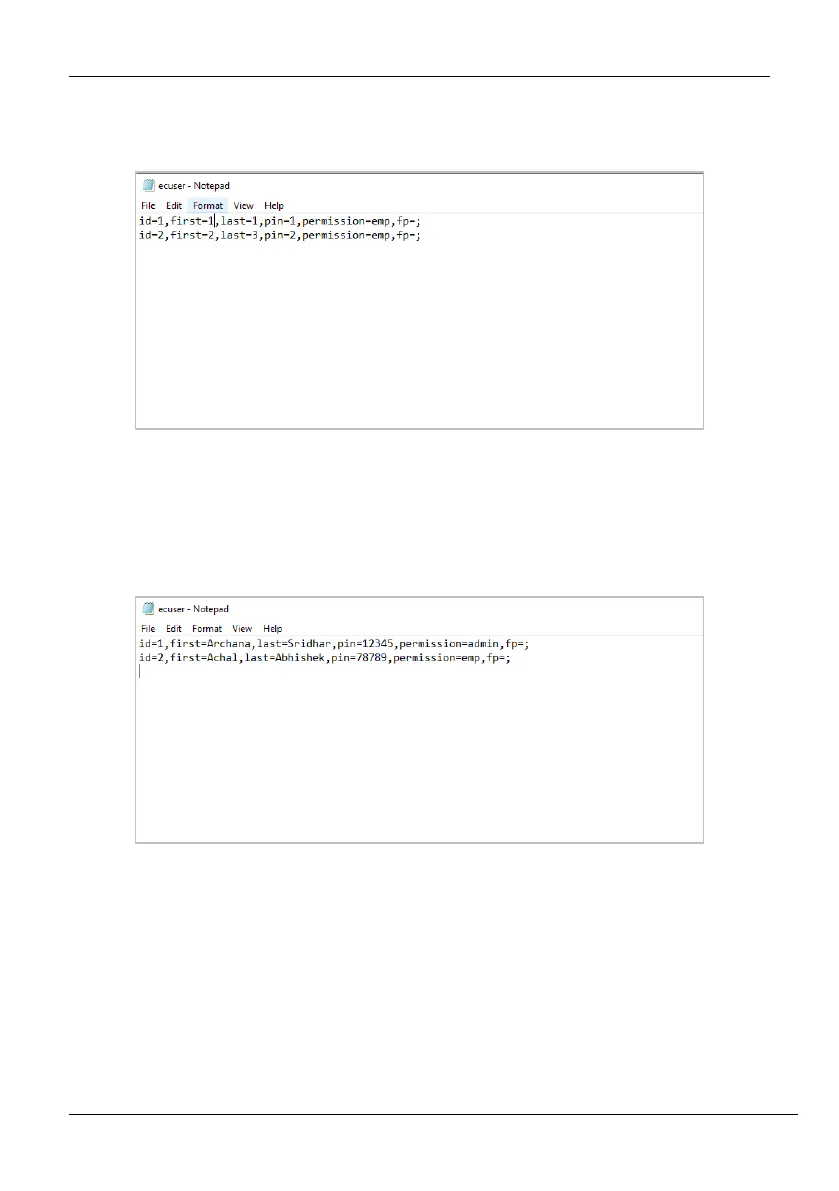
7. Double-click to open the template file. The template file details will be displayed as
shown below:
Figure 5-17: Template File -2
8. Edit the ID, First Name, Last Name, Password, and permission. An example is shown
below:
Figure 5-18: Edit User Details
9. Save the template and insert the USB drive into the clock again.
10. Go to [Users] and navigate to [Upload Users].
11. Navigate to [Upload user file] and press <M/OK>.



 To Next Page