NGTeco Time Clock - K4 Model User Manual
Page | 21 Copyright©2021 NGTeco. All rights reserved.
5 User Management
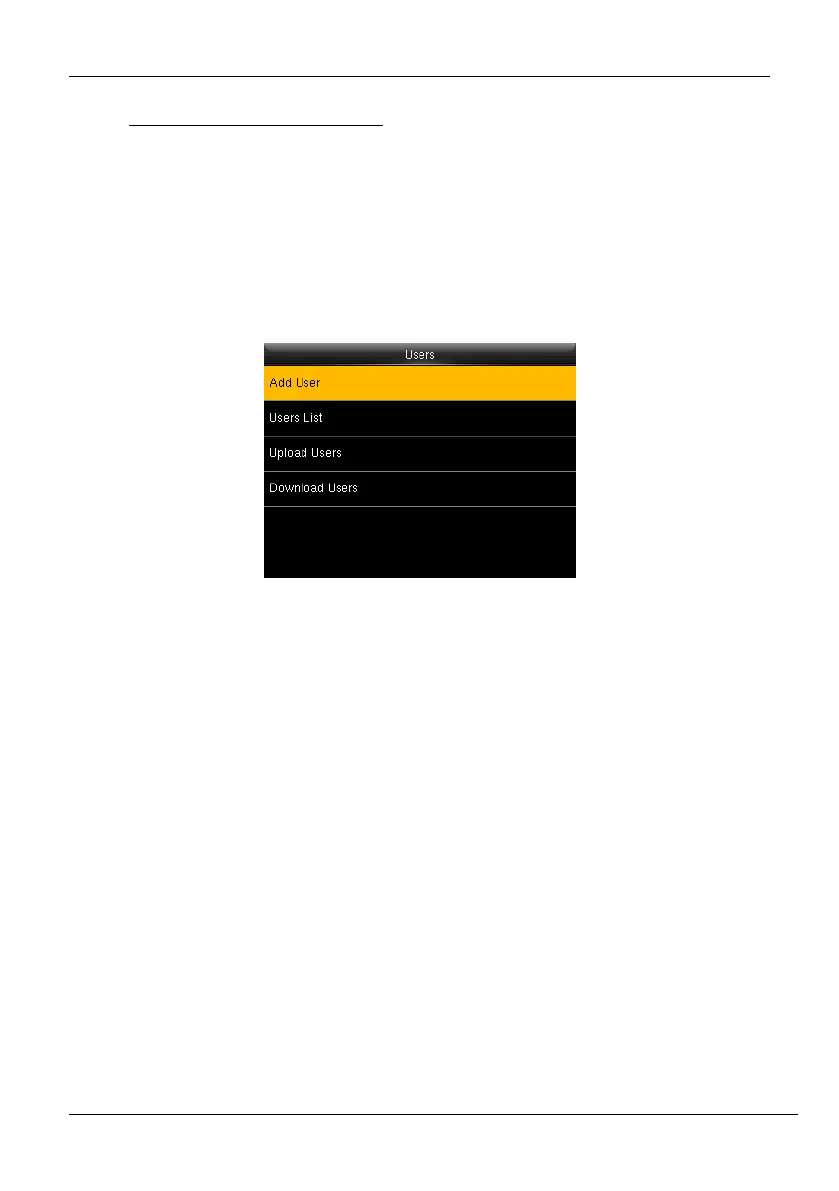
The Users menu frames a role-based access control and the tasks they can perform in the
time clock. The Administrator(s) can grant and revoke roles and permissions at the clock level.
To change the permission of a user, the administrator(s) updates the role. It allows the
Administrator(s) to add new users, edit the details of an existing user,
uploading/downloading the user details from/to a USB drive.
Figure 5-1: User List
5.1 New User Registration
New users in an organization can be added to the time clock by an Administrator. It includes
simple steps that can be performed without much effort. The steps to add a new user are
given below:
1. Go to [Users] and navigate to [Add User] by pressing the respective navigation key.
The Interface to add a new user will be displayed as shown below:



 To Next Page