NGTeco Time Clock - K4 Model User Manual
Page | 43 Copyright©2021 NGTeco. All rights reserved.
The following are the required parameters to set the date and time.
Set Date/Time: Set date and time of the device.
24-Hour Time: Select whether to use the 24-hour display mode. If not, the 12-hour display
mode is adopted.
Date Format: Set the Date Format from the available options using <
> or <
> key.
Daylight Saving: Enable or Disable the Daylight Saving using <M/OK> key.
After setting the parameters press <M/OK> to save the date and time.
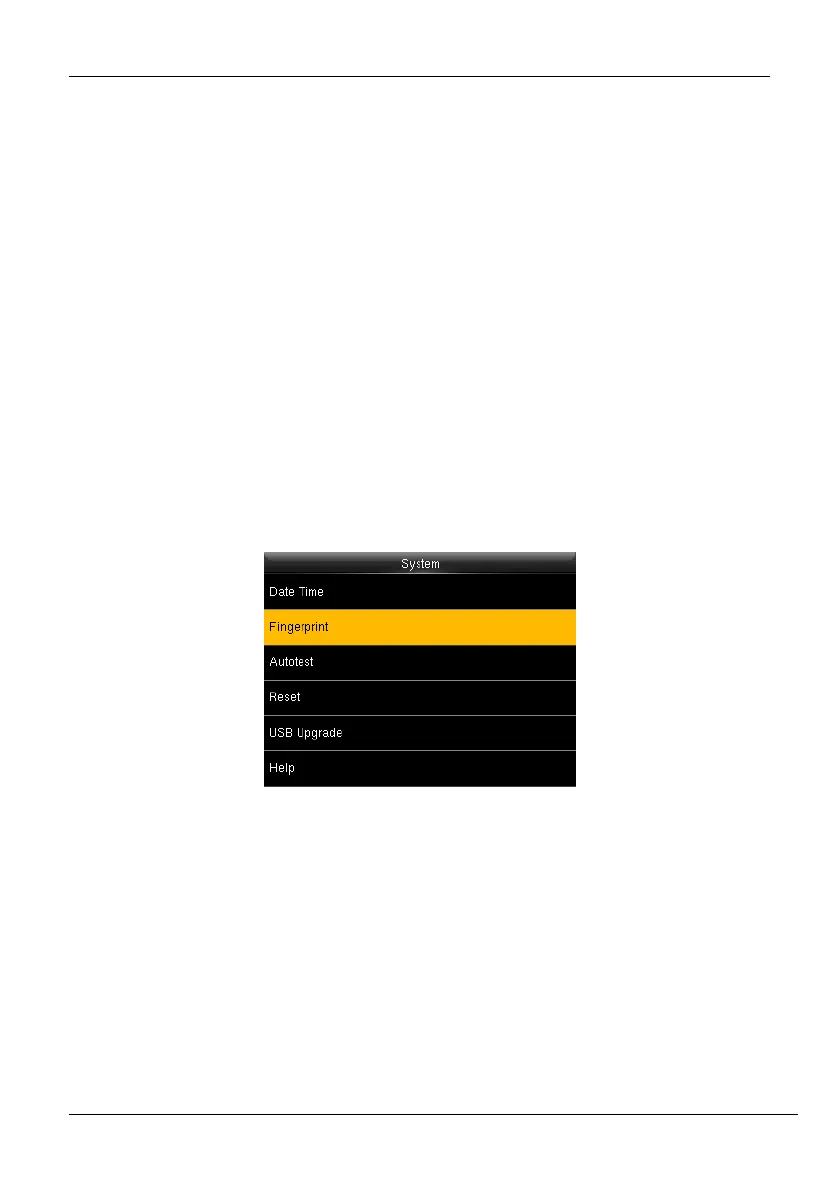
7.2 Fingerprint Parameters
1. Go to [System] and press <M/OK>.
Figure 7-3: Fingerprint Parameter Settings -1



 To Next Page