NGTeco Time Clock - K4 Model User Manual
Page | 70 Copyright©2021 NGTeco. All rights reserved.
13 System Info
You can check the storage status as well as the firmware information of the device through
the [System Info] option.
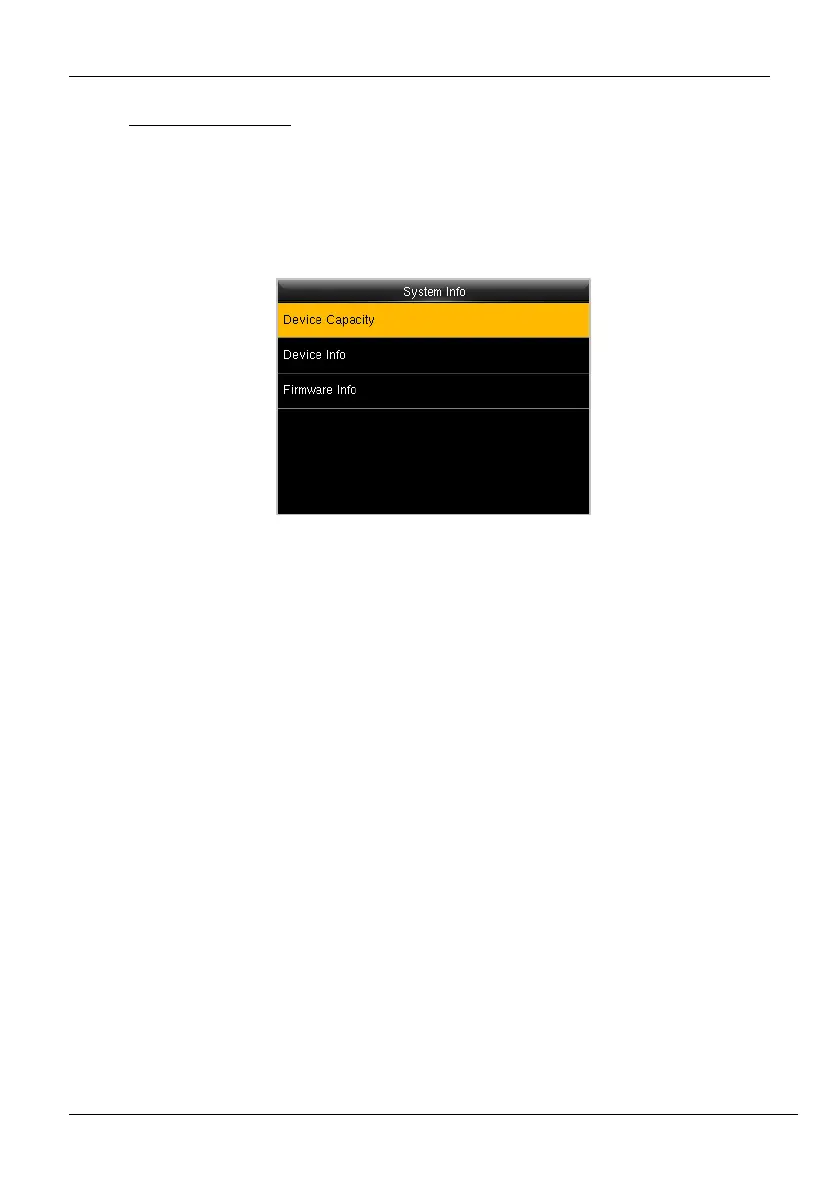
• Go to [System Info] and press <M/OK>.
Figure 13-1: System Information
Select the specific option to check the parameters:
Device Usage: Displays the Number of users, Admin users, Password, Fingerprint,
Attendance record and User photo.
Device Info (Information): Displays the Device name, Serial number, MAC address,
Fingerprint algorithm, Platform information, Manufacturer date.
Firmware Info: Displays the Firmware version and other version information of the device.



 To Next Page