NGTeco Time Clock - K4 Model User Manual
Page | 22 Copyright©2021 NGTeco. All rights reserved.
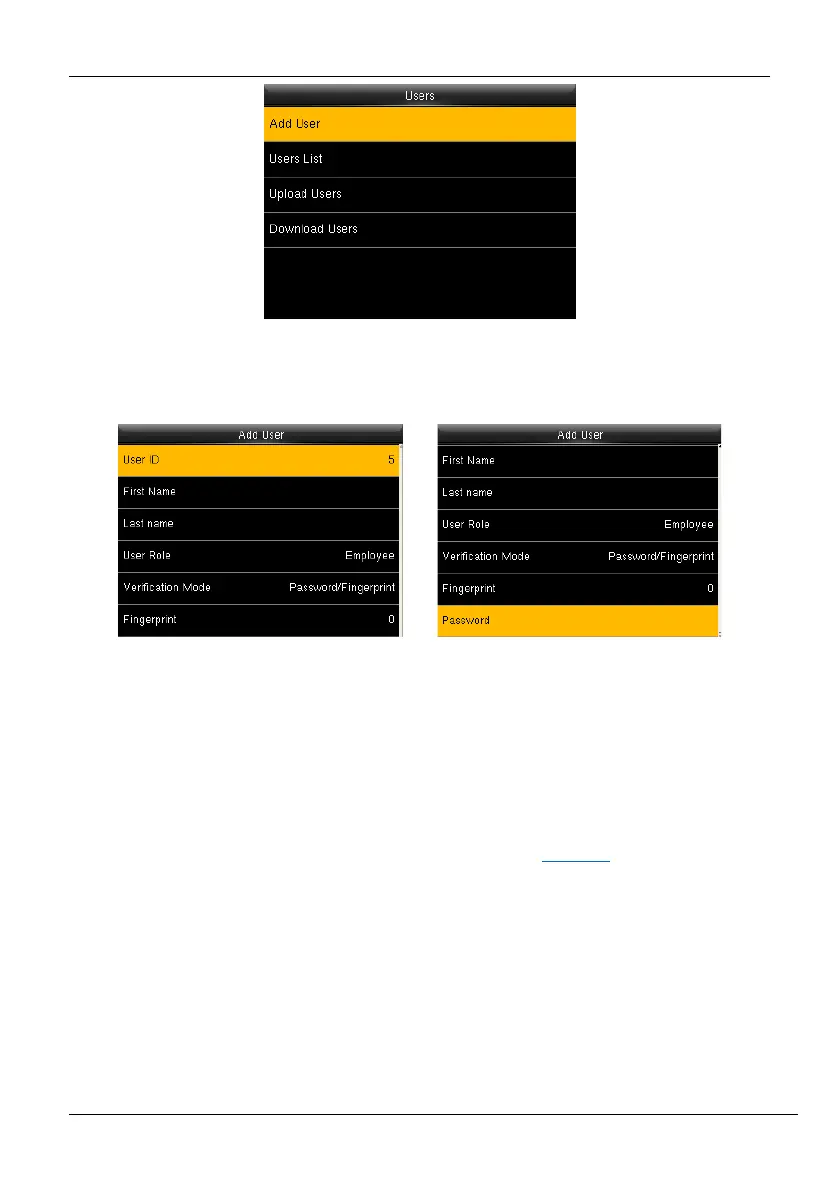
Figure 5-2: Add a New User
2. Enter the following details:
Figure 5-3: User Details
• ID: The User ID will be auto-generated beginning from 1. If you want to change
the User ID generated by the clock, delete the displayed ID by pressing <
/
>
and enter the new User ID.
• First Name: Enter the First Name of the user.
• Last Name: Enter the Last Name of the user. Refer T9 Mode
for further details.
• User Role: Set the User Role of the user as Employee/Admin. Press the <> or
<> key to select the User Role, and then press <M/OK>.
• Verification Mode: The available verification modes are: Password/Fingerprint,
Fingerprint only, User ID only, Password, User ID + Fingerprint, Fingerprint +
Password (Note: "/" means "or", and "+" means "and".)
• Fingerprint: To enroll the fingerprint, press <M/OK>. The interface to enroll the
fingerprint will be displayed as shown below:



 To Next Page