103
Smart Surveillance
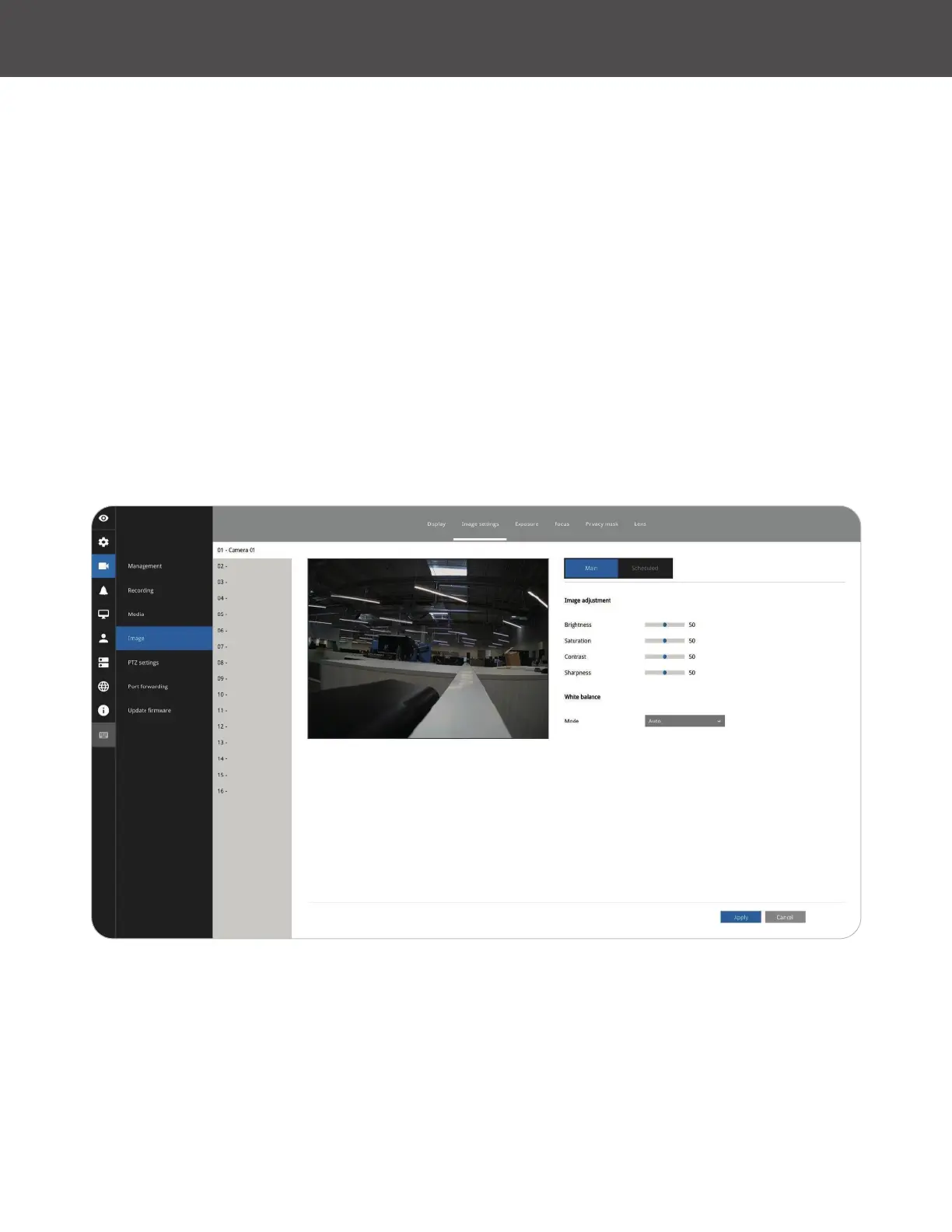
Image adjustment
The Image adjustment window allows users to tune the basics about image display options:
1� Color: Select to display image as color or black and white�
2� Brightness�
3� Saturation�
4� Contrast�
5� Sharpness�
6� High TV line, Gamma curve, low light compensation, etc� The rest of the options depend on the
lens and image sensor type of each individual camera� Therefore, the options here can vary�
For unique options coming with each individual camera, please refer to their User Manuals for
more information�
Click Restore to poll for the original settings, or click the Apply button to nish the process�
For features common among cameras, you may select the Apply to all cameras checkbox�
Exposure, Focus, Privacy mask, Lens
For specic image settings, refer to the camera's documentation for details� Cameras coming with
different lens or zoom modules will display different conguration parameters�



 To Next Page