109
Smart Surveillance
3-5-11� Settings
-
Alarm
-
Events
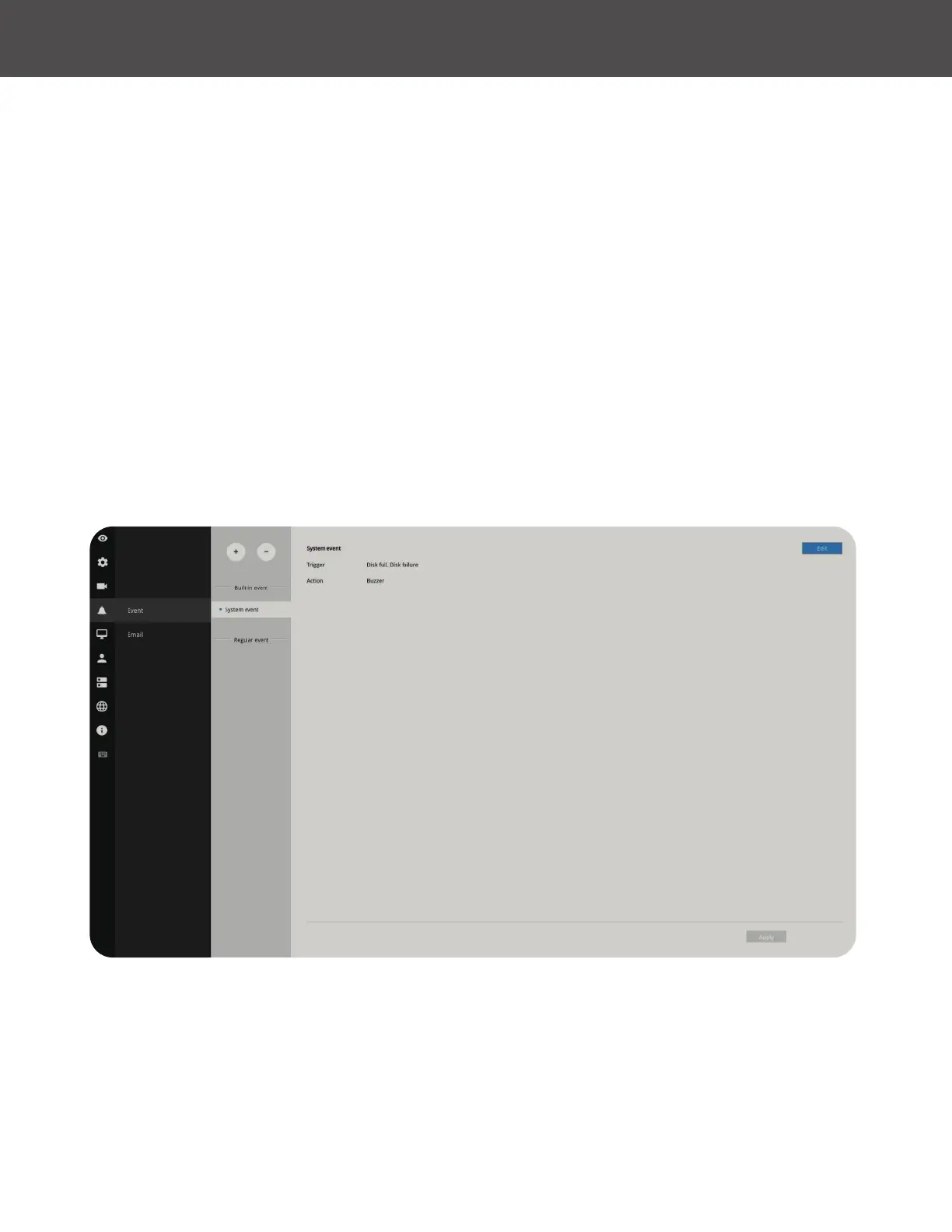
The events reported from individual cameras’ digital inputs, digital outputs and motion detection
can be accommodated in the NVR system’s alarm settings� These events will then be reported or
trigger corresponding actions as follows:
1� Record the video by the time the event is triggered�
2� Reporting events via Email with snapshots attached�
3� Sound the onboard buzzer�
4� Triggering video snapshot and text message by the occurrences of events to an FTP site�
5� Triggering a camera’s DO�
6� Triggering a PTZ camera(s) for its lens to move to a preset position�
7� Sending notication to the VAST CMS software�
8� Sending a full screen live view on the connected monitor�
9� You can create up to 10 instances of alarm�
Hardware connections to DIs or DOs (for example, window sensors), should be made separately�
The motion detection conguration can be made in the Camera conguration window�



 To Next Page