102
Display
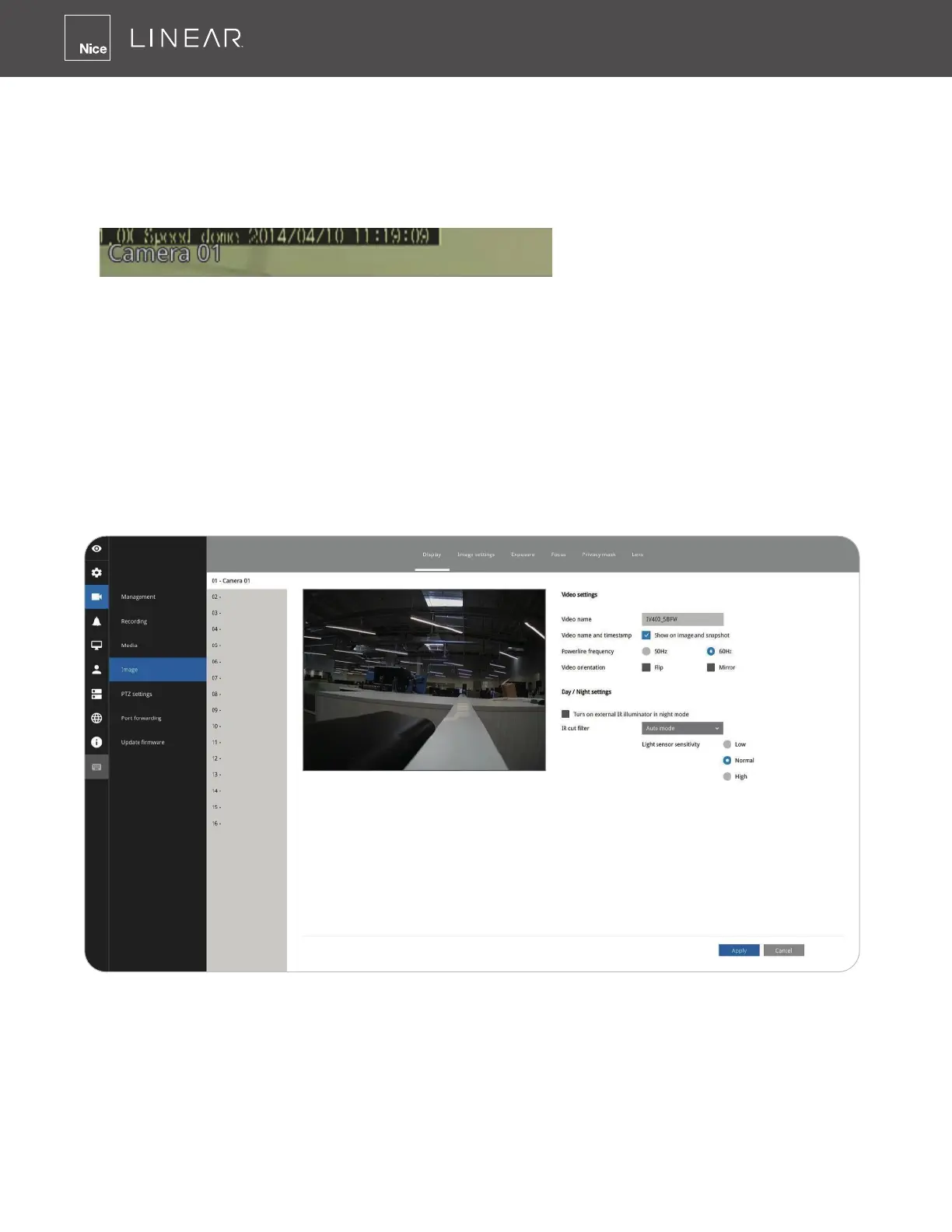
The Display window allows users to tune the image display options:
1� Video name: the video name is displayed on the title bar that is displayed on each view cell�
The screen shot below shows a name as "Speed dome"�
2� Video name and timestamp: Default is enabled� If enabled, the video name and time is
displayed on the view cell�
3� Power line frequency: Depending on power line frequency of your country, select a matching
option (NTSC 60Hz or PAL 50Hz) to avoid image ickering due to unmatched electricity�
4� Video orientation: select these options if the image from camera needs to be vertically or
horizontally ipped�
5� Click Restore to poll for the original settings or click the Apply button to nish the process�
3-5-6� Settings - Camera - Image



 To Next Page